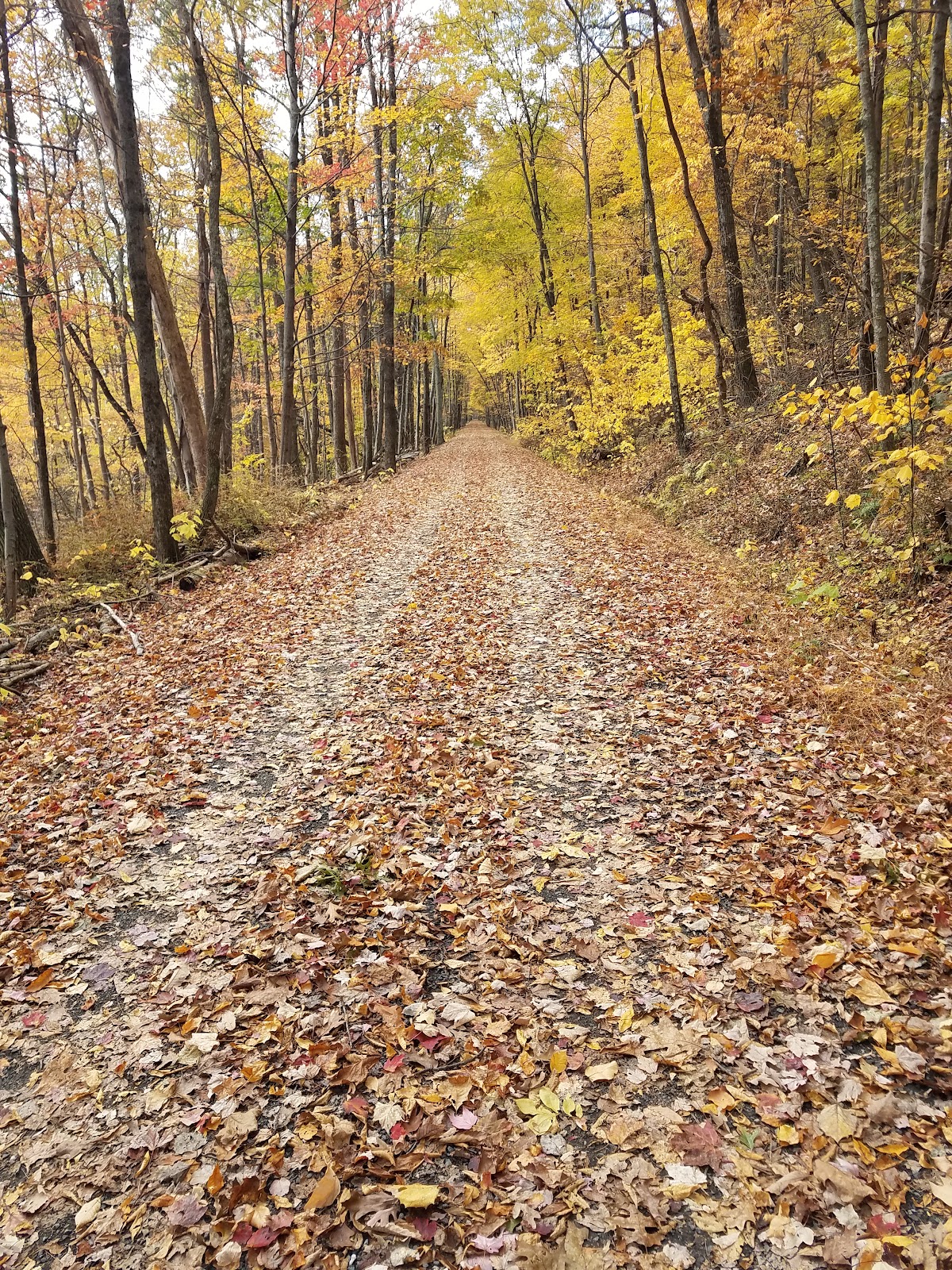
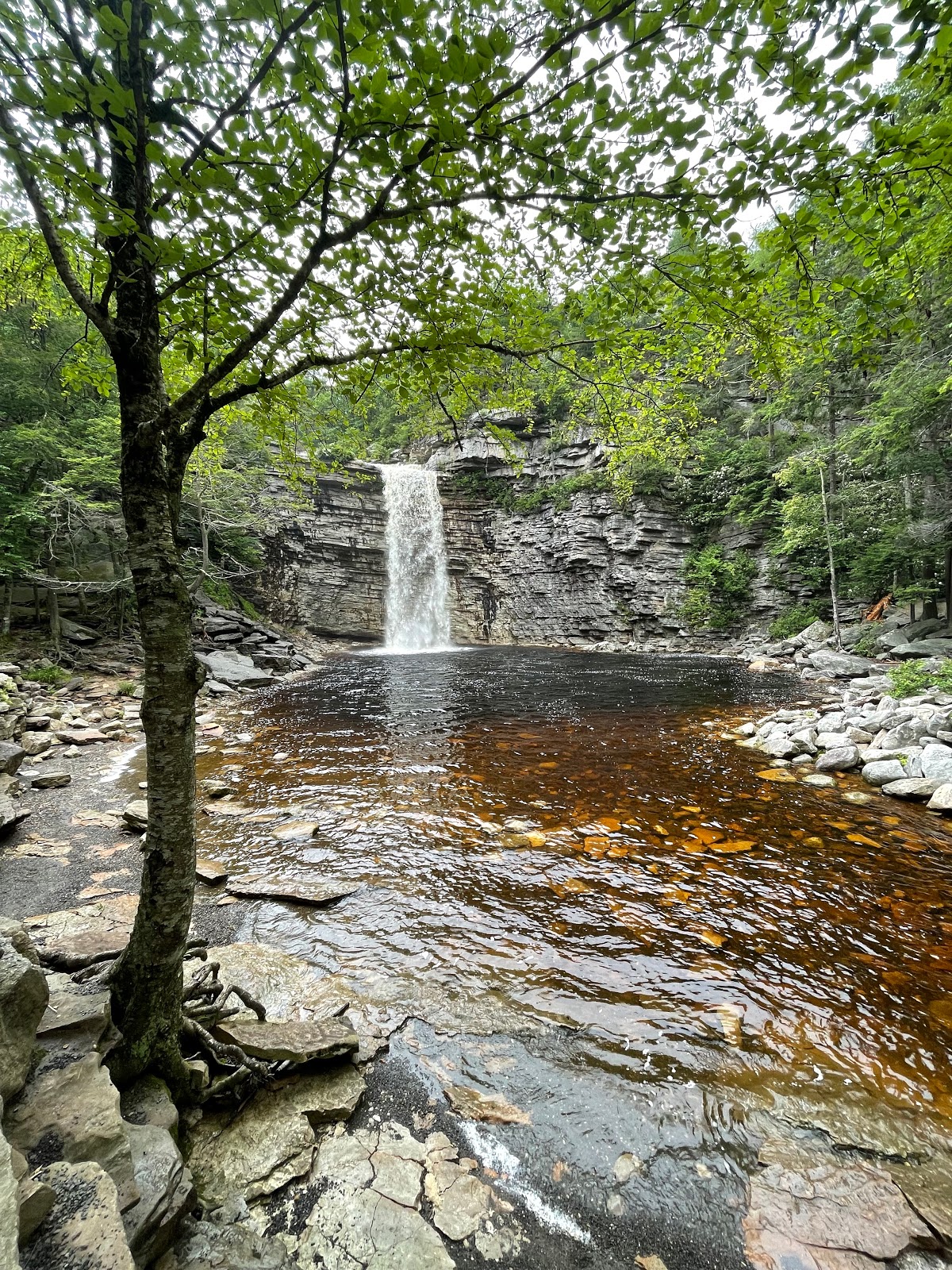
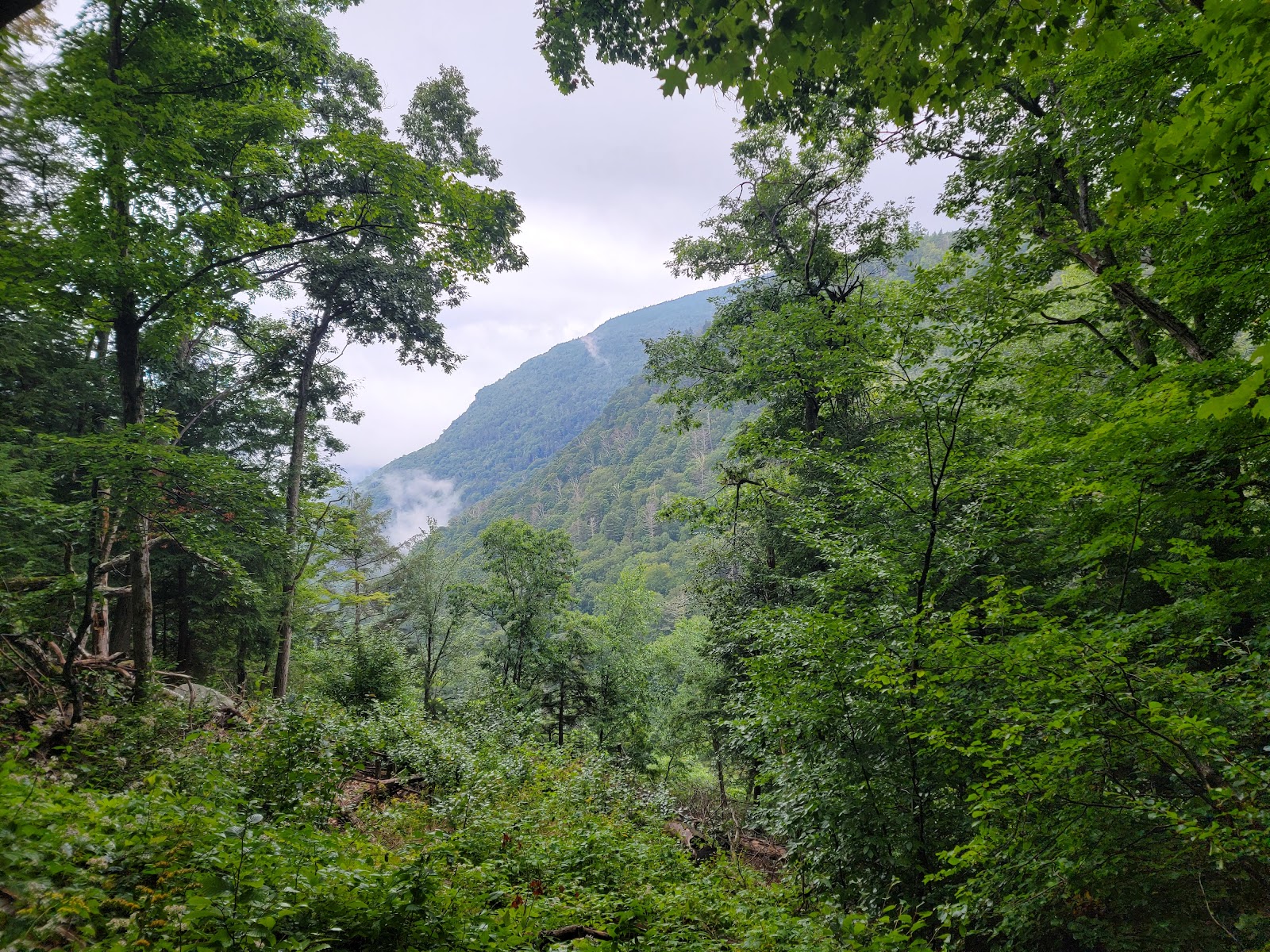
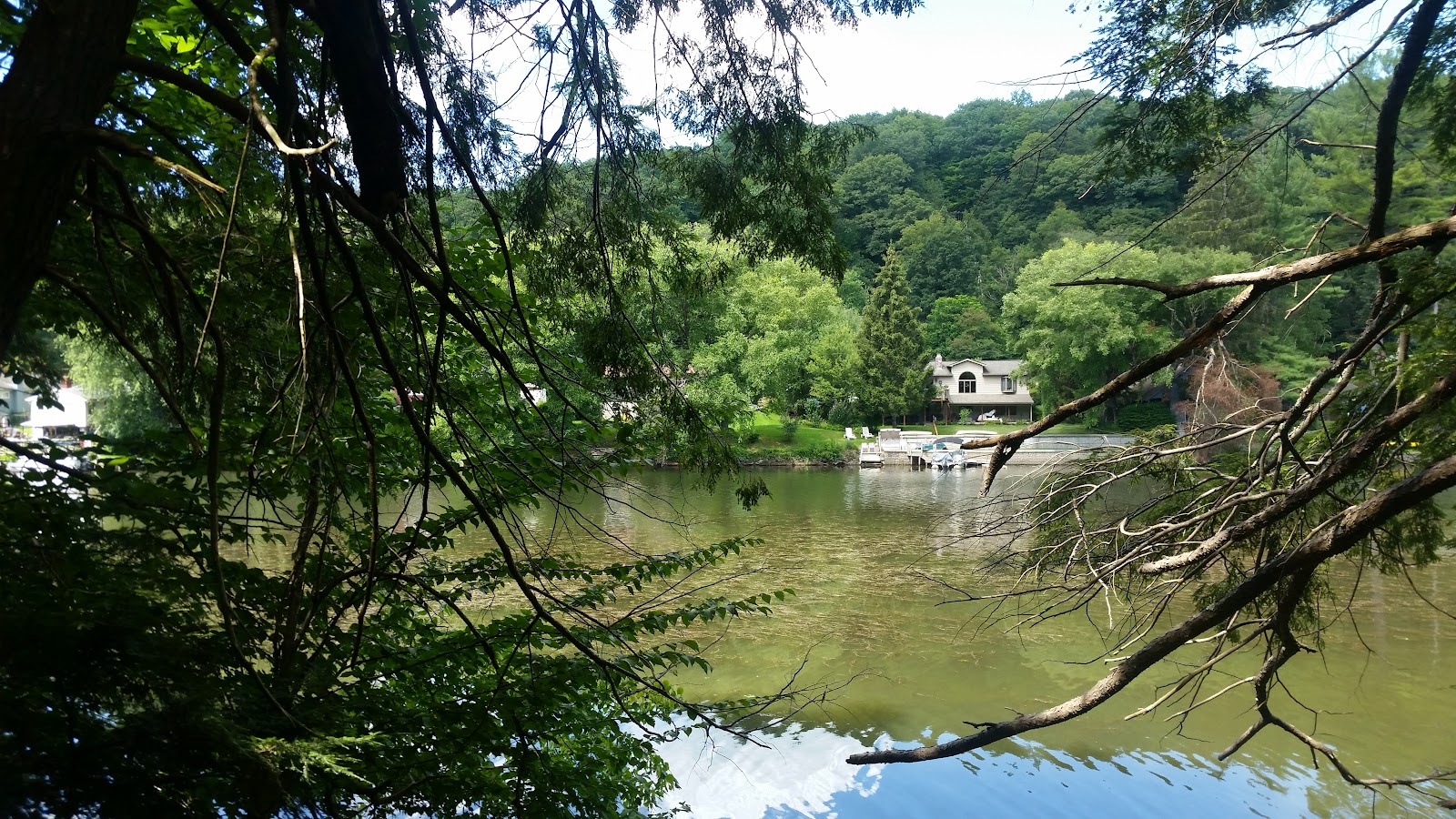
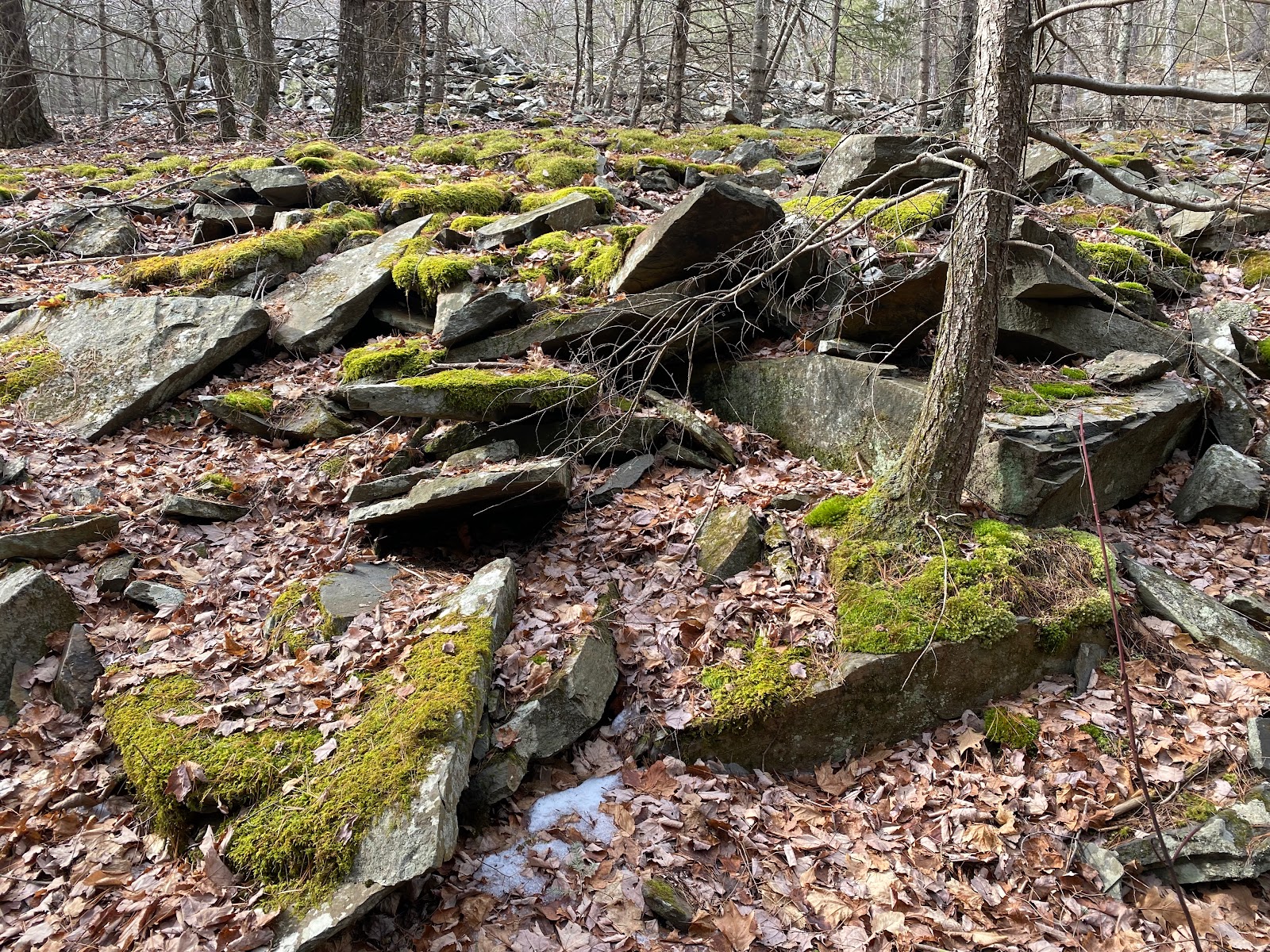
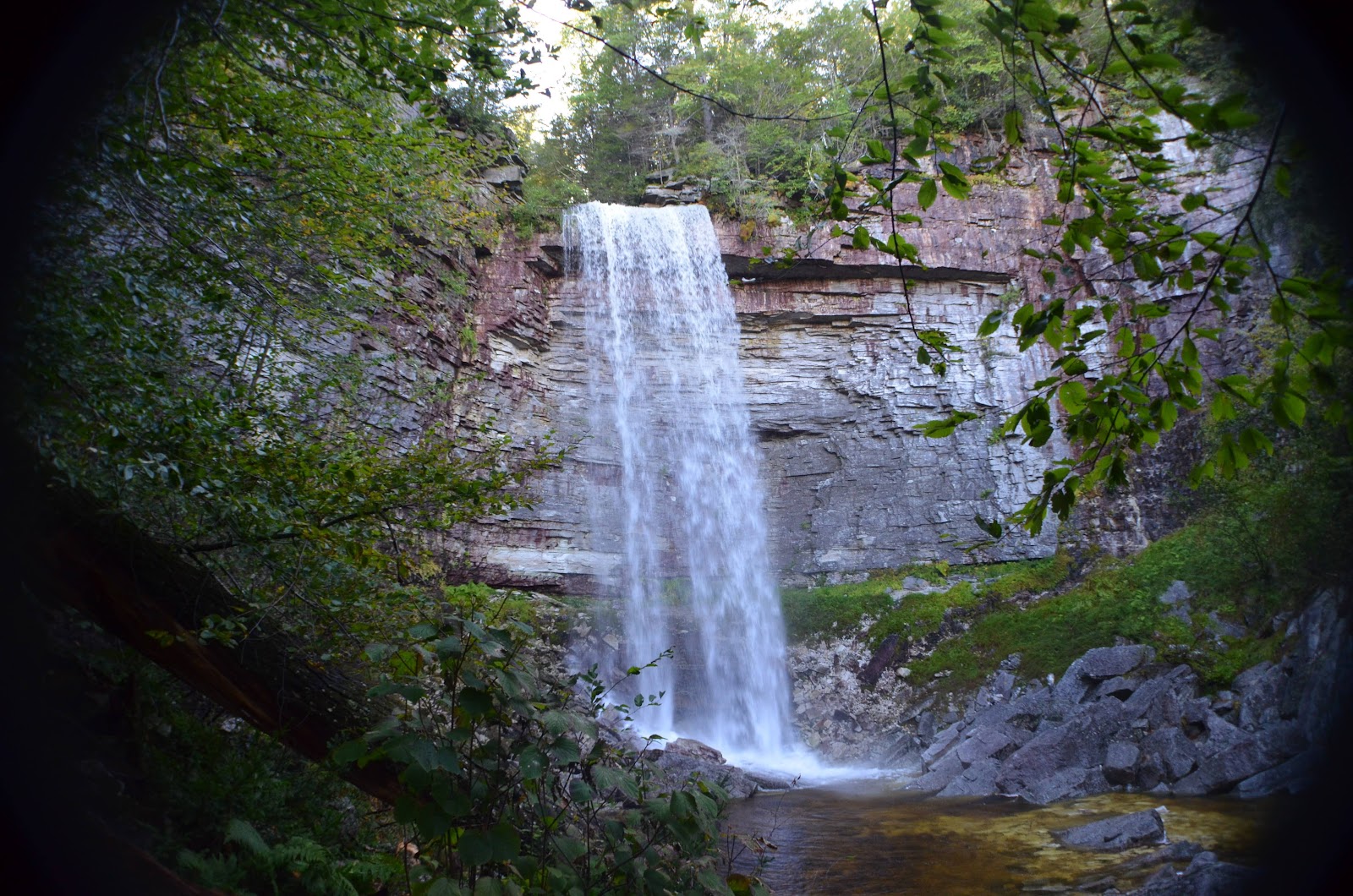
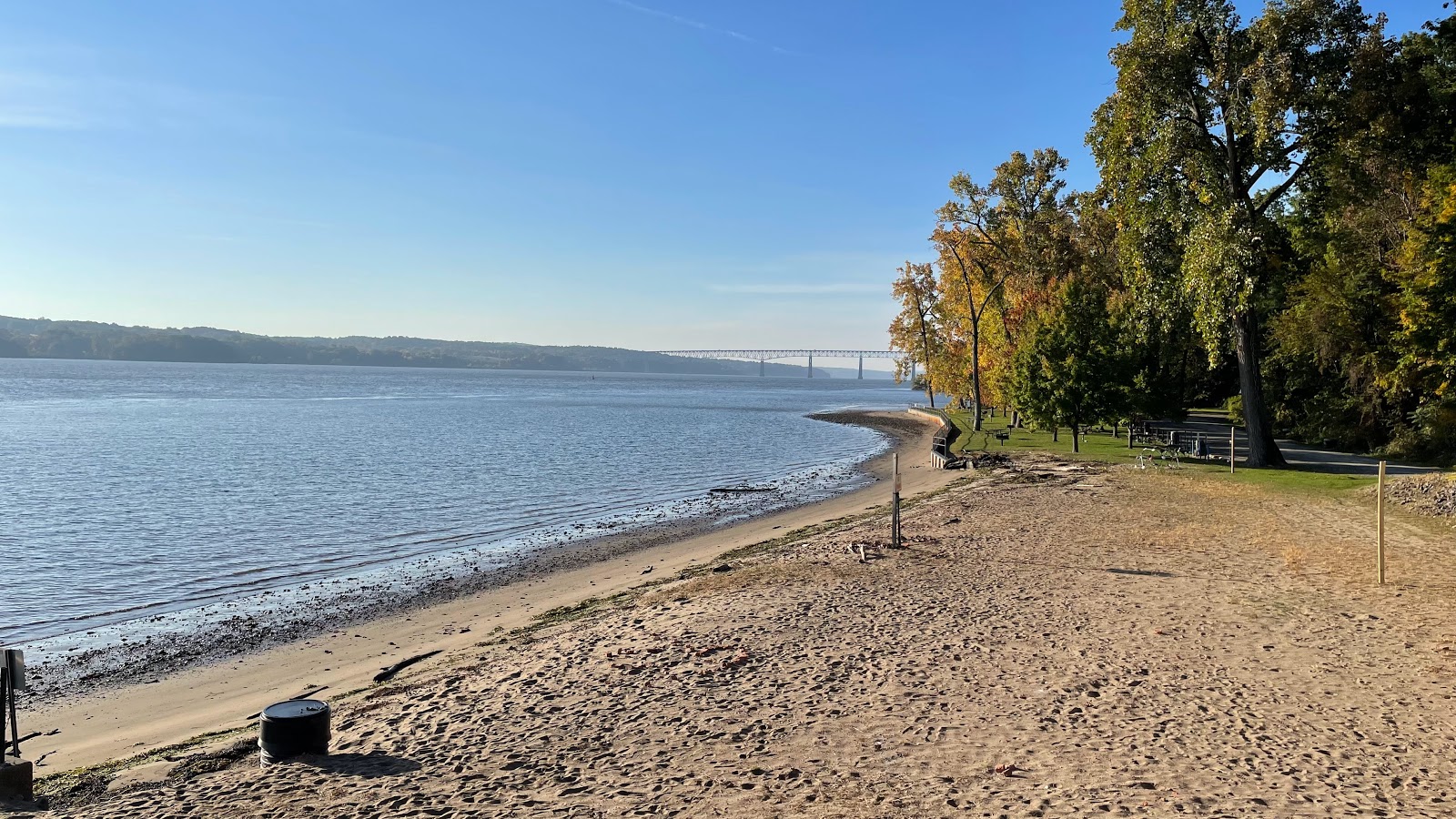
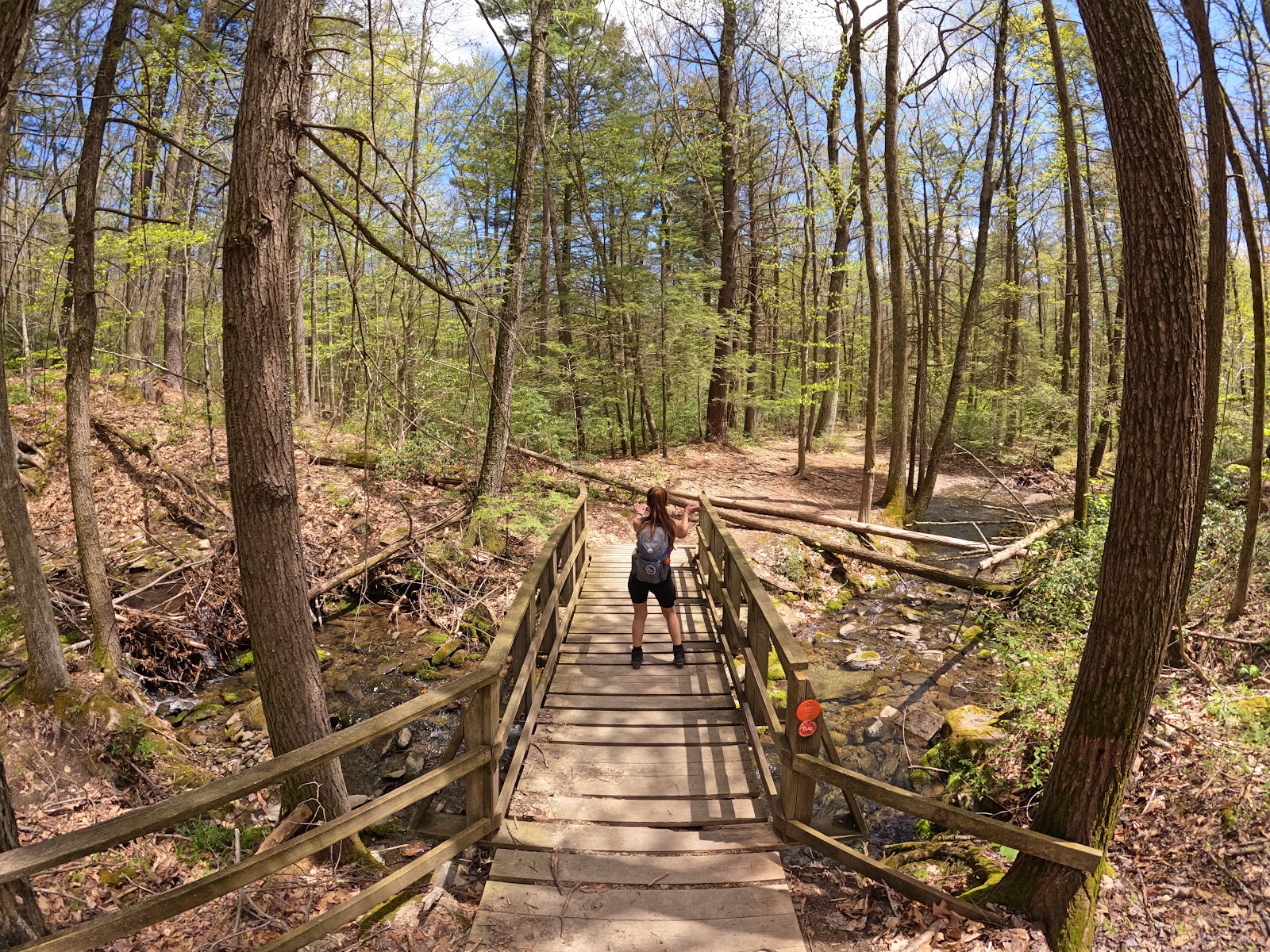
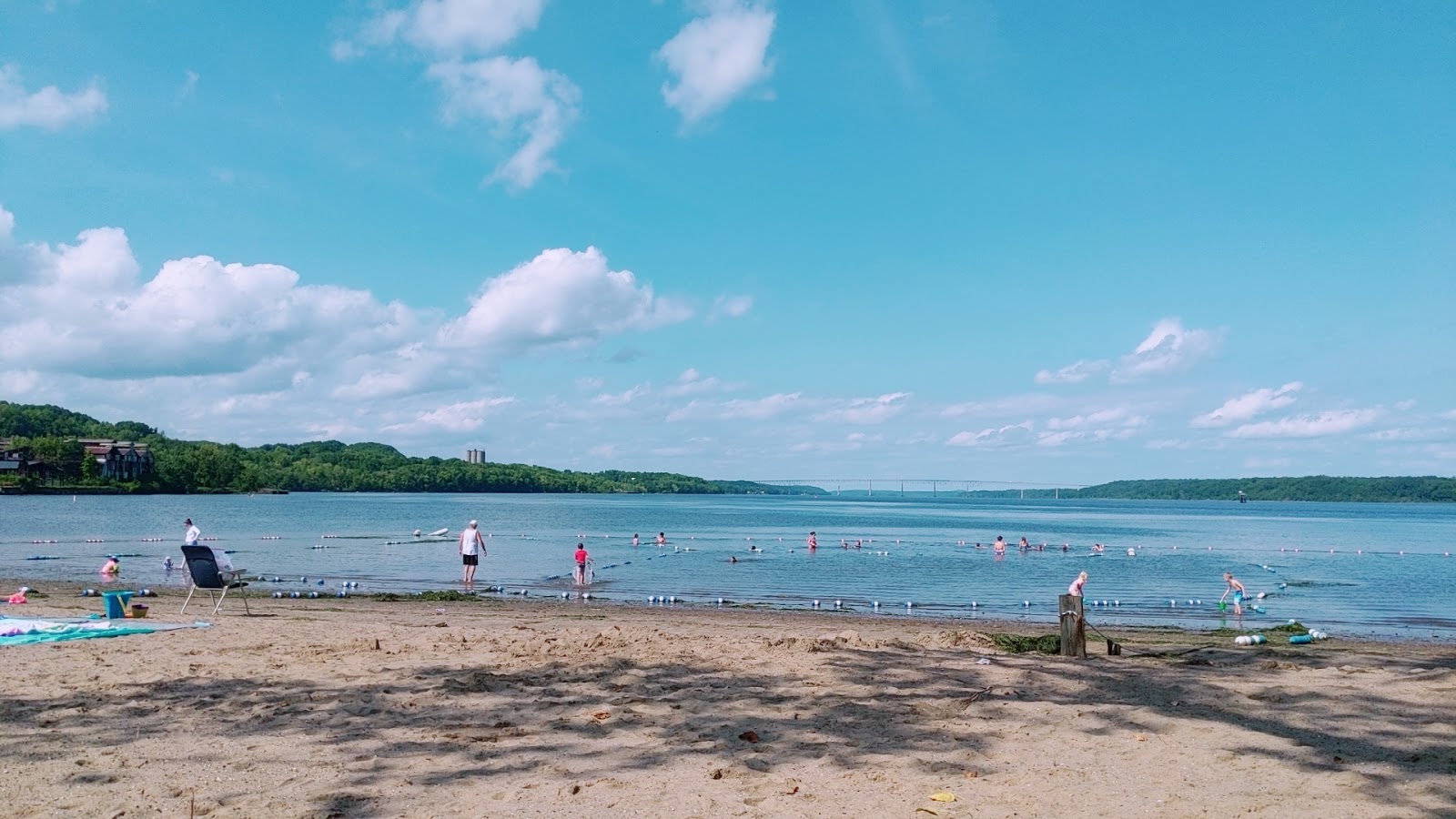
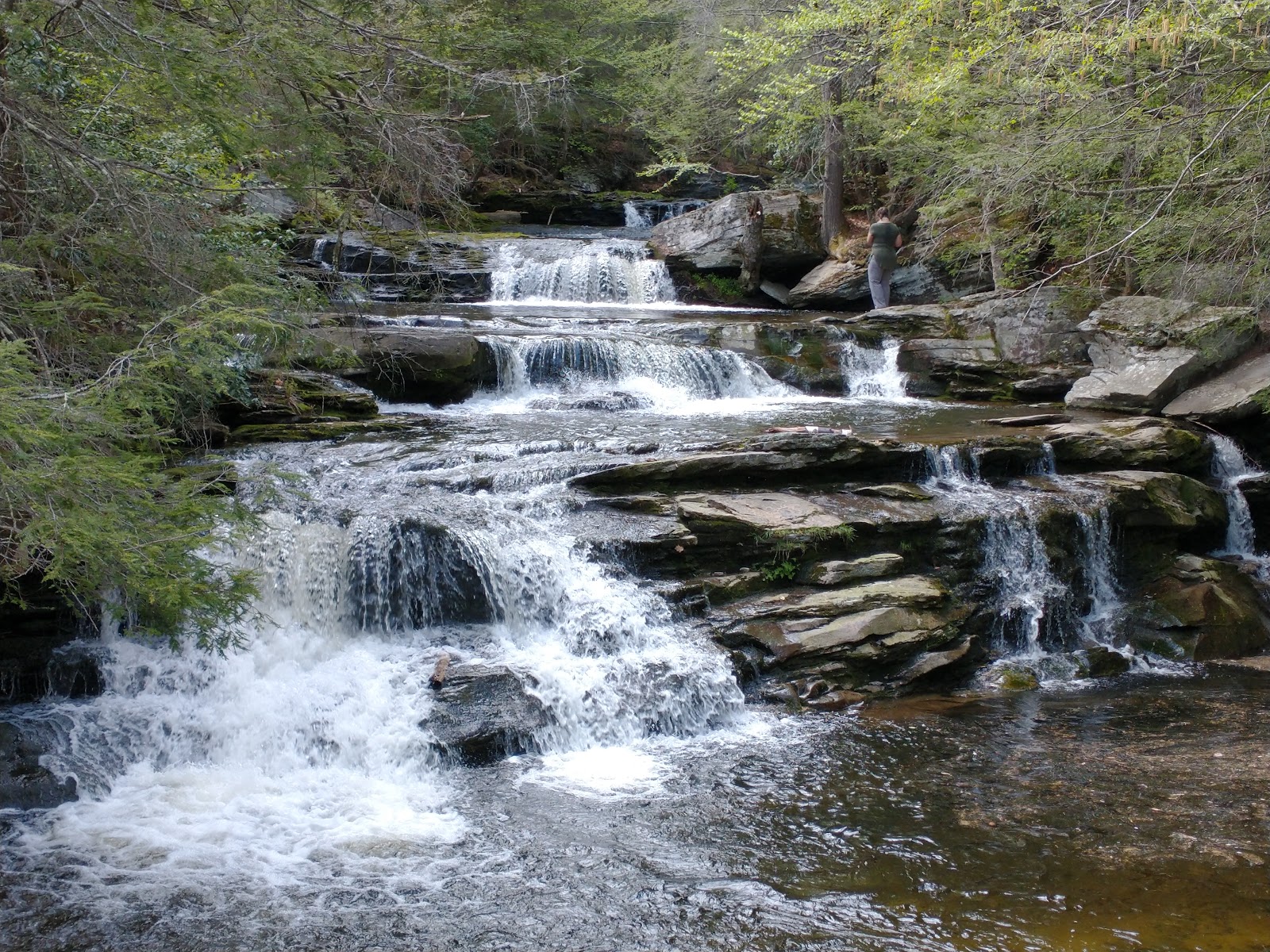
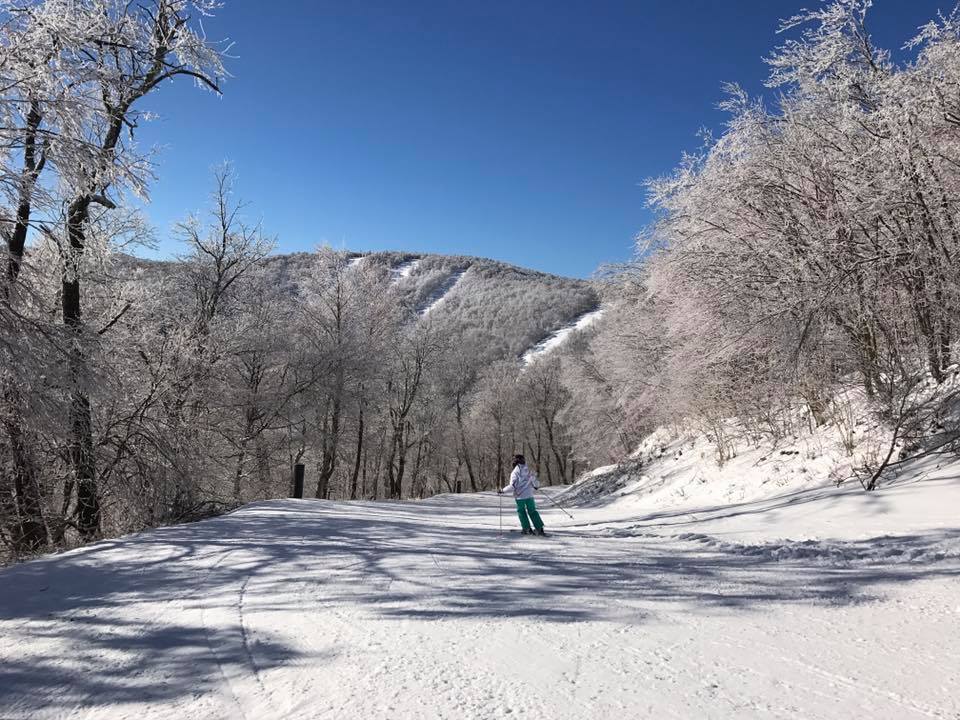
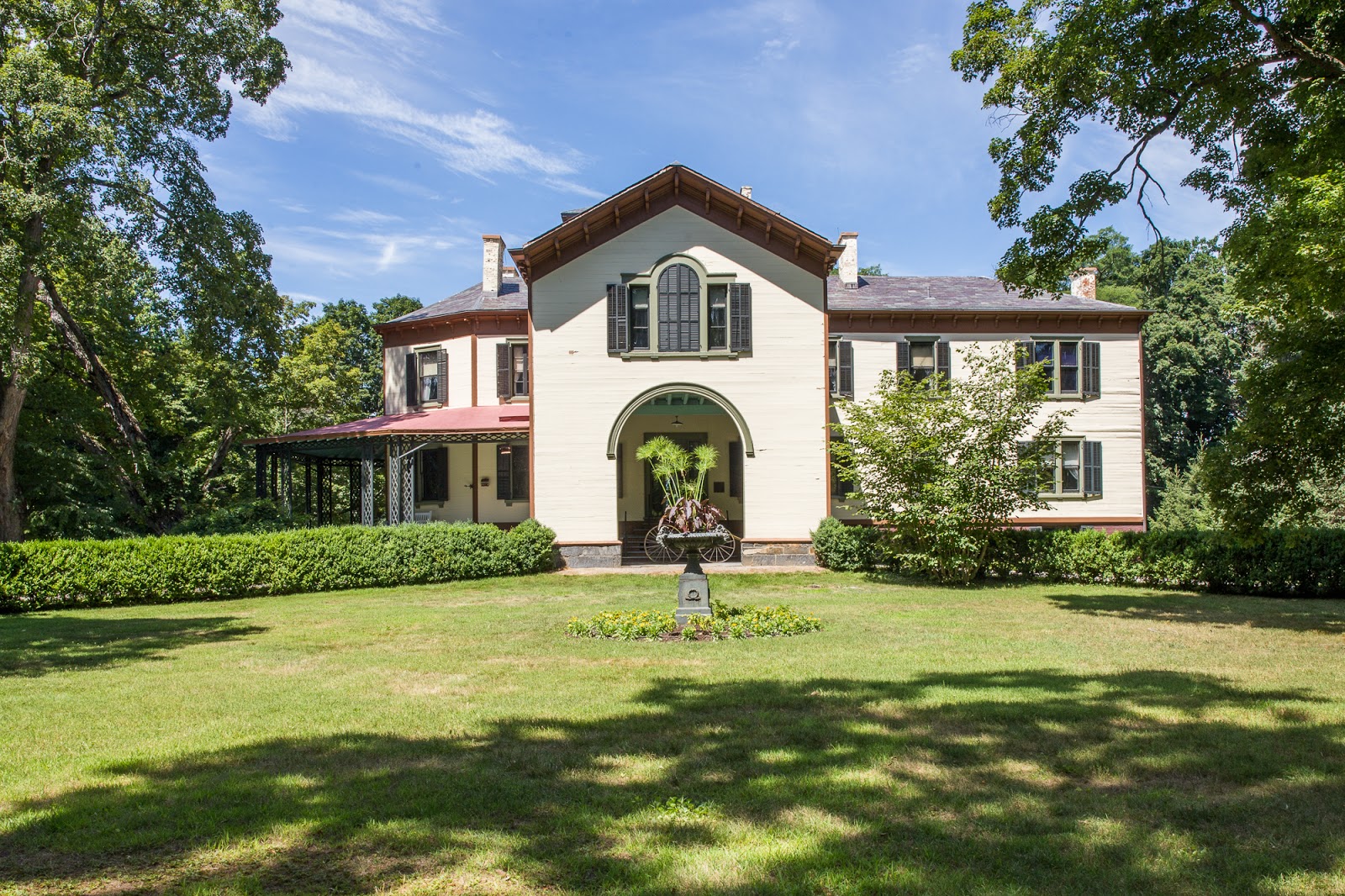
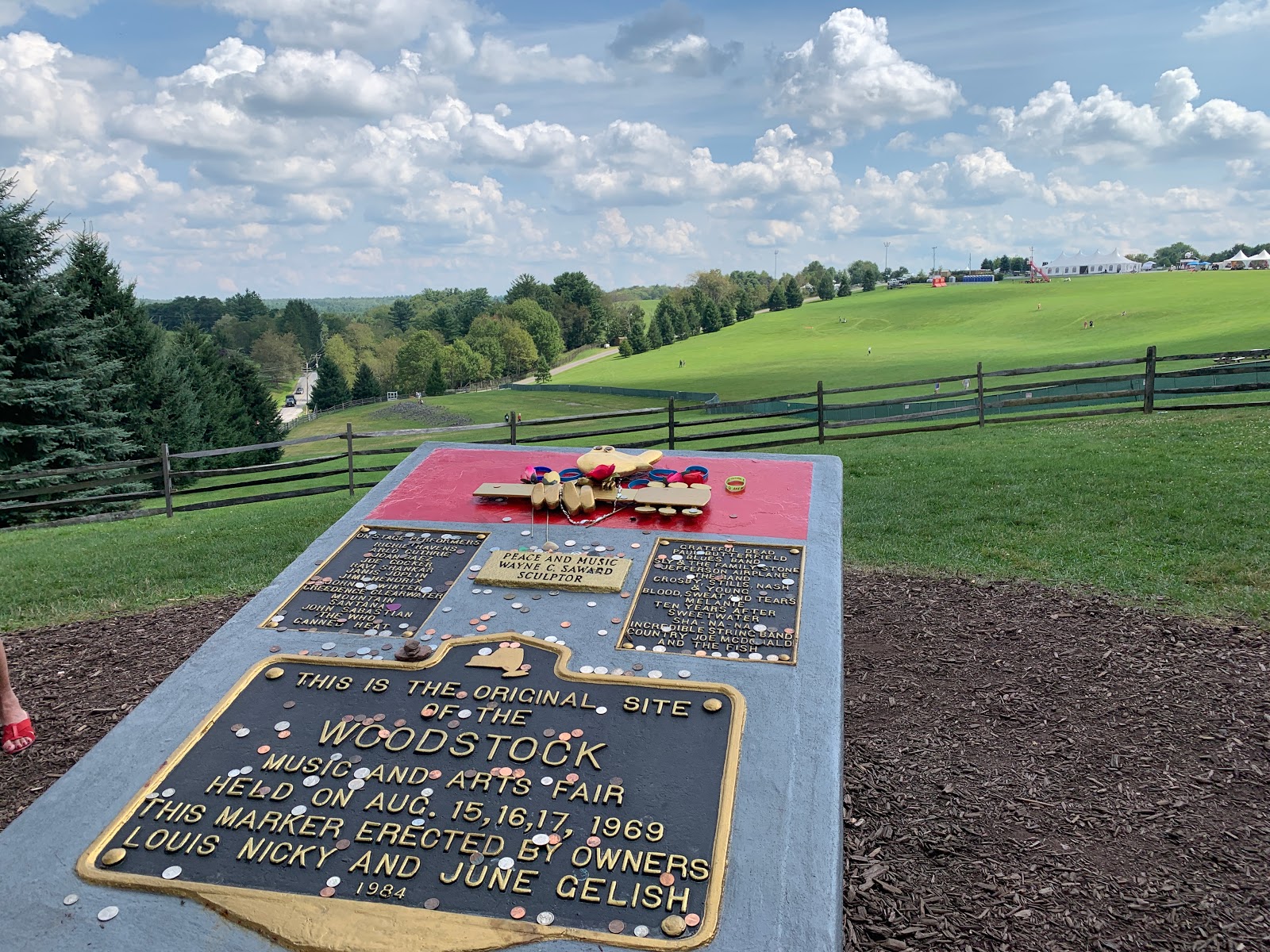
Welcome to your home away from home, our perfect escape from city life. Relax and unwind in the peaceful surroundings, enjoying the fresh air and local charm.
Whether you’re here to explore the great outdoors, enjoy family time, or simply relax and rejuvenate, we hope you have a wonderful time. Enjoy your stay and make yourself at home. Feel free to message us if you have any questions or need assistance.
Best wishes,
Justin
Provided with the home
Towels, washcloths, and hand towels
Bedsheets, comforters
Pack n' play and high chair
Shampoo/Conditioner/Body Wash
Toilet paper in all bathrooms
Paper towels in the kitchen area
Pots/pan
Glasses (Wine + Water)
Plates
Kitchenware
Kitchen set: hand towel, dish detergent, sponges
Coffee and Tea (Keurig, filter)
Salt, pepper, and spices
Laundry Detergent
Trash bags
Game Room
Home Theater
TV with Roku Streaming
Iron & Ironing board
First Aid Kit (Located in Entrance Cubby and Apartment Kitchen)
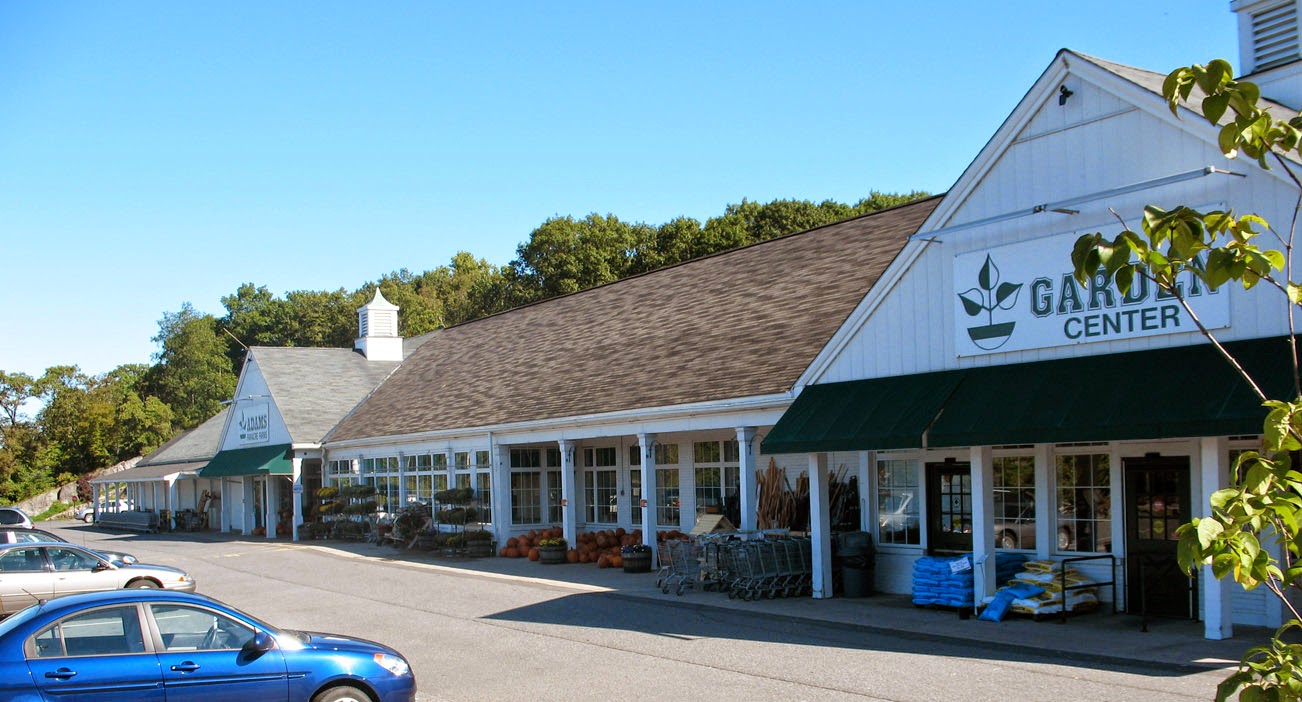
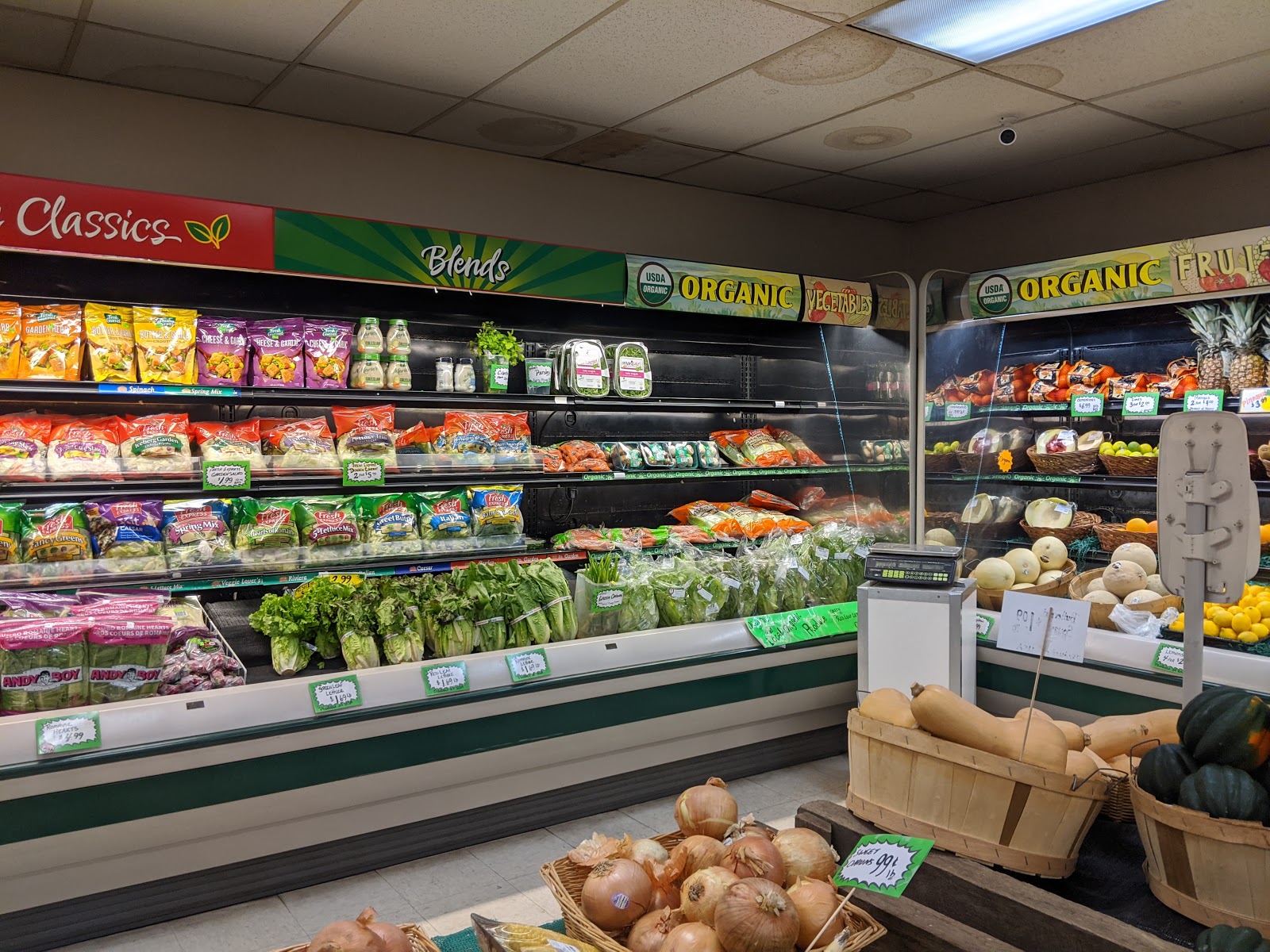
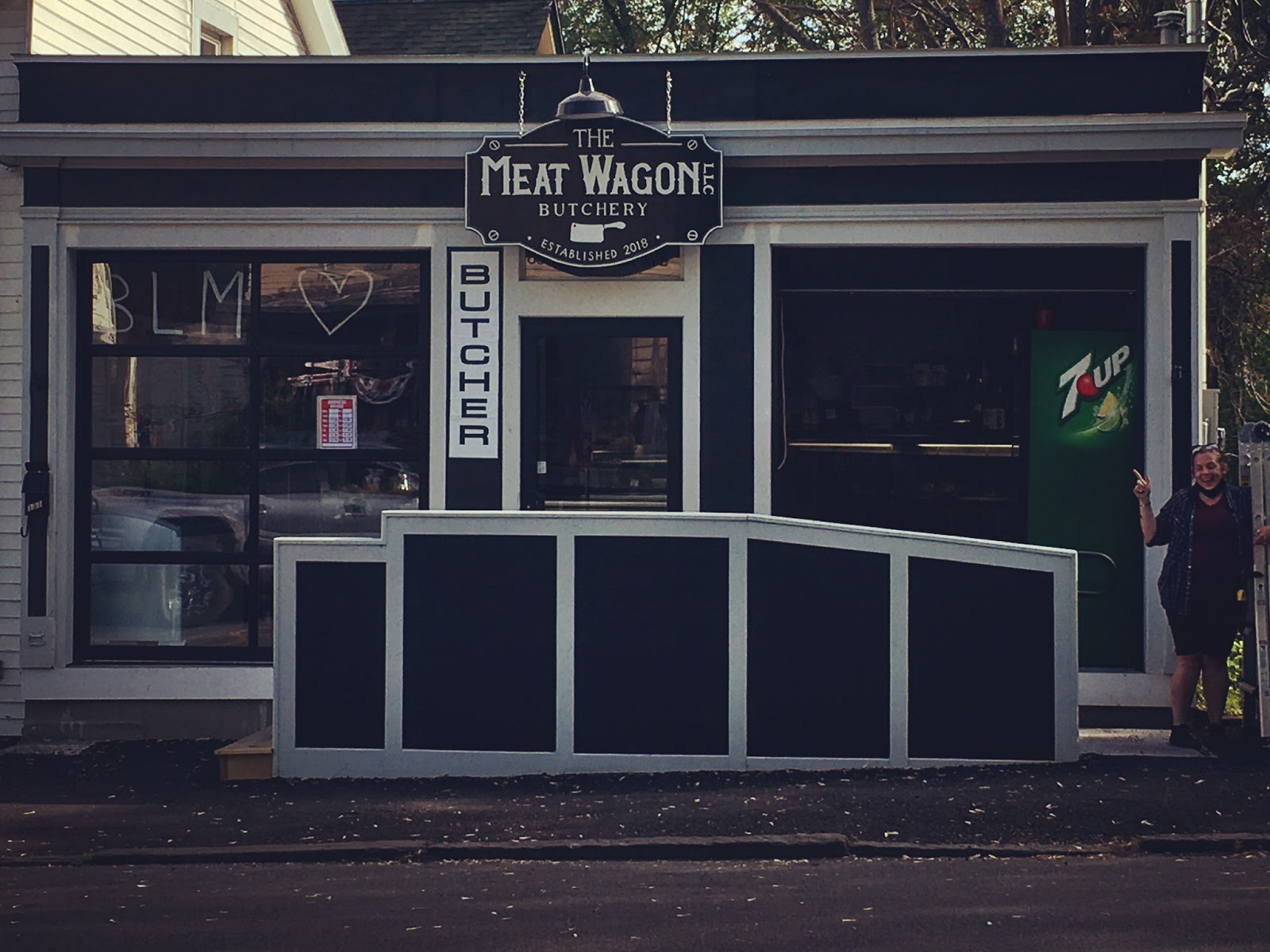
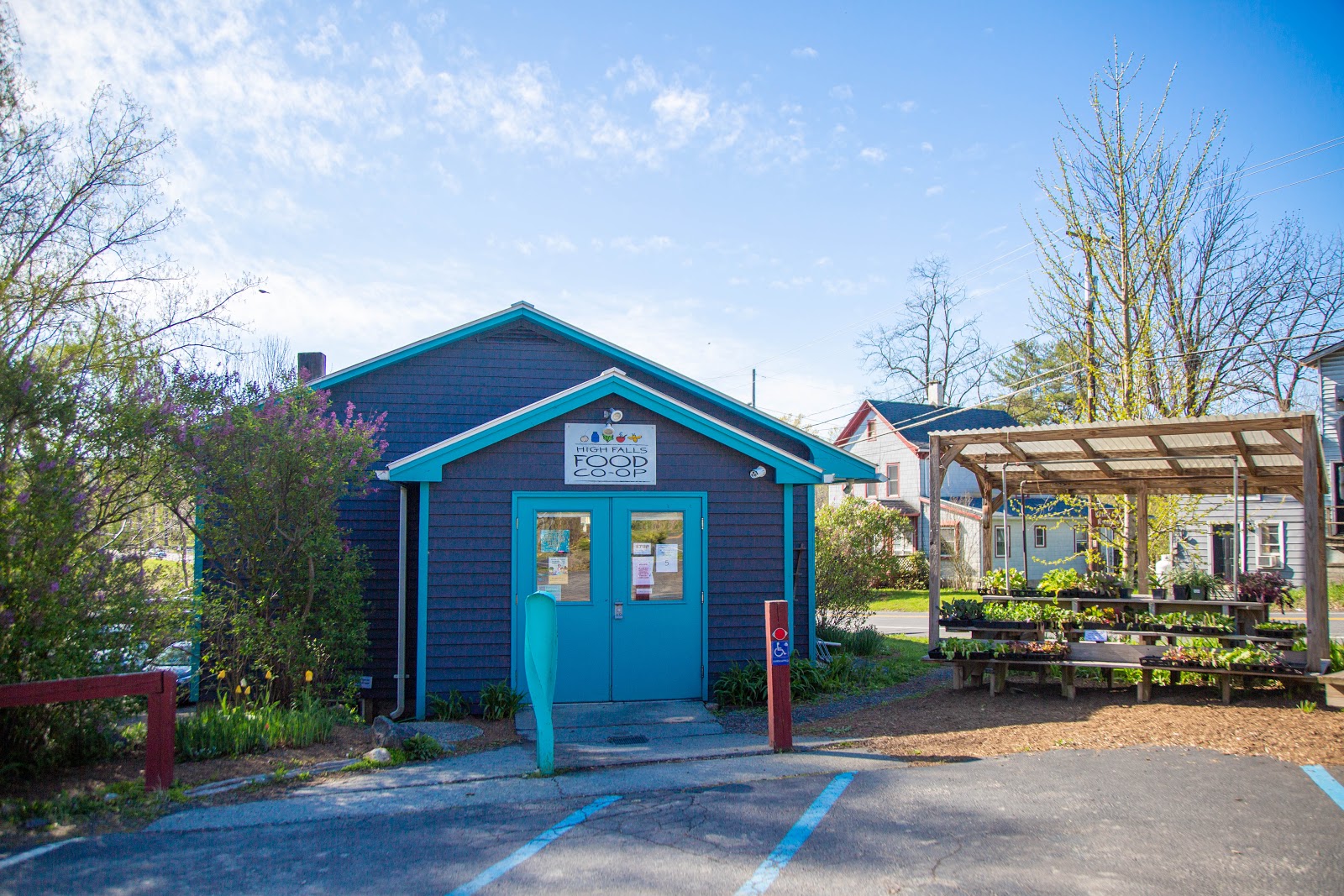
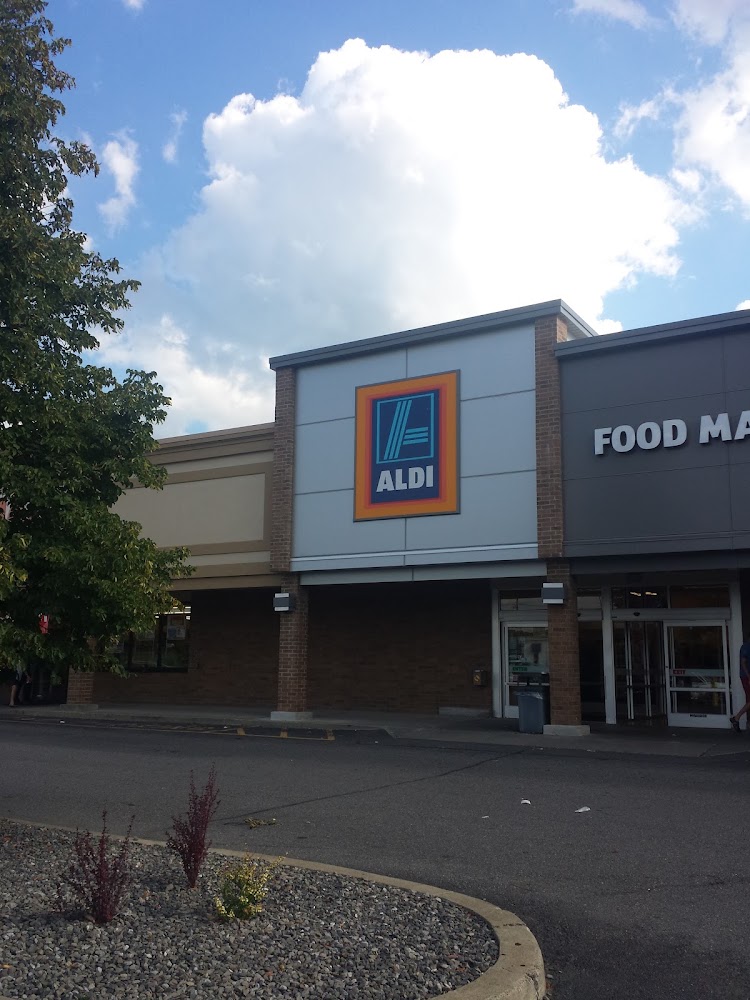
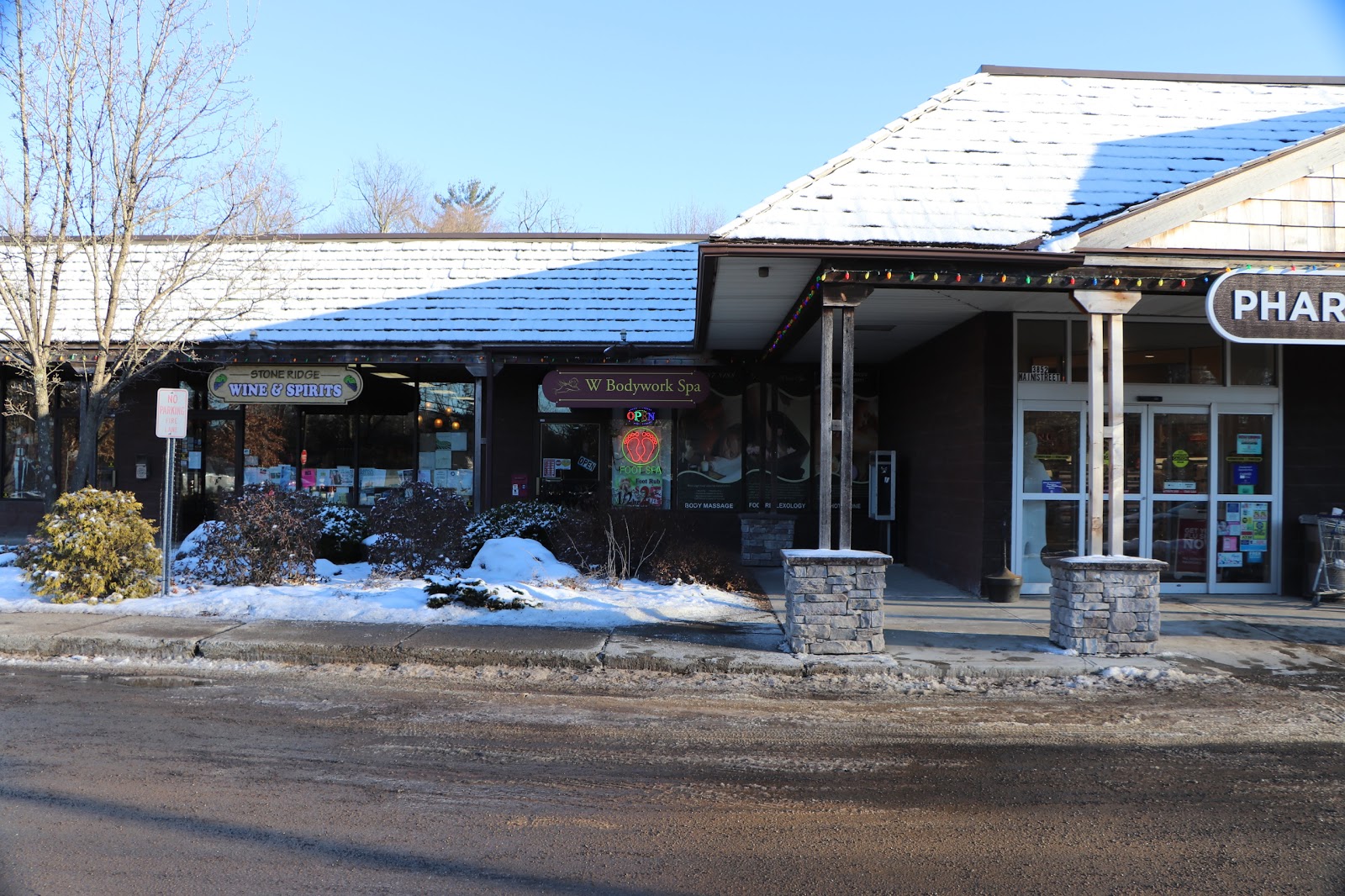
Welcome to the official website of MyTown Marketplace in Highland Falls and Rosendale, and Emmanuel’s Marketplace in Stone Ridge, NY! See our weekly ad, browse delicious recipes, or check out our many programs.
Welcome to the official website of MyTown Marketplace in Highland Falls and Rosendale, and Emmanuel’s Marketplace in Stone Ridge, NY! See our weekly ad, browse delicious recipes, or check out our many programs.
To access the property, follow the instructions sent in our pre-arrival message a few days before check-in. Should you have any issues, please send us a message.
Check-in Time
Check-in time is 4:00 PM. We can sometimes arrange an early check-in, so please contact us if you plan to arrive early and we'll do our best to accommodate you (unfortunately, we cannot promise this). If you are arriving early, refer to the “local area guide” section and be sure to pick up any groceries or supplies on the way.
Contacting Us
If you need to get in touch with us during your stay, the quickest way is via the booking platform message system.
Overview of the Area
Kerhonkson is a small hamlet located in Ulster County, New York. It is situated in the Hudson Valley region, which is known for its beautiful scenery, outdoor recreational opportunities, and rich history. Kerhonkson is a popular tourist destination for those looking to experience the natural beauty and laid-back atmosphere of the Hudson Valley.
WiFi & Internet
Network Name: cherrytownchalet
Password: connectme342
Cell service with the major carriers (AT&T, Verizon) is typically pretty good, but feel free to connect to the WiFi and enable WiFi calling.
How to resolve Wi-Fi issues:
The cable modem is likely the cause of any internet connection issues. The cable modem is in the basement on the wooden cable distribution board (black box mounted on the lower portion with flashing lights). The board is located near the large air handler on the far side of the basement.
Unplug it from the power source. Leave it unplugged for a full 60 seconds.
Plug it back in and wait for it to finish resetting, usually about 10 minutes.
99% of the time, this should work to reset the connection.
Laundry Appliances
We have a washer and a separate dryer in the utility room. Feel free to use the detergent provided.
Water
The home's water comes from an artesian well that we condition further. While natural source waters can have a slight sulfur smell, it's perfectly safe to drink. Bring refillable bottles for your adventures.
Septic & Plumbing
Our home utilizes a septic system, so we kindly ask that you be mindful of what goes down the drains and toilets. Please dispose of feminine products, wipes, and other paper goods in the waste bins provided, and be mindful of toilet paper usage. This helps prevent clogs and blockages, avoiding unpleasant situations and additional fees. Thank you for your thoughtfulness.
A/V System
Cherrytown Chalet is equipped with a Sonos system and Turntable.
The TV, Roku, and soundbar are operated using the LG TV remote.
Connect to the portable Sonos speaker, Move, using Airplay or Bluetooth.
Enjoy some music on the deck or by the fire pit, but please return Move to its charging stand prior to departure.
To play music via Airplay:
You can stream your iOS device’s audio using Control Center.
On your iPhone or iPad, open Control Center by swiping down from the top right of the screen.
Find the audio card in the upper right-hand corner, then tap the AirPlay icon
Tap Move or TV to stream the same audio across one or both using AirPlay.
You can also play AirPlay audio directly from some iOS apps, like Apple Music, Spotify, and Google Music. Just open the app, tap the AirPlay icon, then choose the Move or TV.
To play music using Bluetooth:
Find the Bluetooth button located on the back of your Move between the Power and Join button. Press the button once to switch to Bluetooth Mode.
Move will chime and the LED on top of the speaker will turn blue.
Press and hold the Bluetooth button to enable pairing mode.
Move will chime again and the LED will flash blue.
Go to your device’s settings and turn on Bluetooth.
Select Move from the device list.
If Move does not appear on screen, ensure that your Move is in pairing mode and displays a flashing blue LED.
You will see a solid blue LED and hear a chime when the connection is complete.
To use the turntable:
Select Turntable as source on Sonos
Please be very careful with the turntable and needle. Refer to the user manual for further details.
To start turntable playback:
Set the replay speed to the RPM of your record (33 RPM for long play records)
Remove the stylus protection cover
Move the lift lever to the correct position
Push the START/STOP lever to START to engage the automatic tonearm
The platter and tonearm will move to the correct positions and start playing the record
When the record is finished, the tonearm will be lifted and moved back to its resting position automatically
To stop turntable playback
Push the START/STOP lever to STOP to stop playback at any time during playback
The tonearm will move back to its resting position automatically
Move the lift lever back to the correct position to ensure the tonearm is in the lifted position
Playback can also be stopped manually by moving the lift lever to the correct position and returning the tonearm manually to the tone arm holder
Extra Linens & Bedding
Extra towels and bedding can be found in the bathroom and bedroom closets.
Owner’s Area
We have some personal items and maintenance supplies in bins on shelving in the basement. The basement is not intended for guest use aside from access to trash cans and emergency equipment.
Board Games / Playing Cards
We have a curated selection of board games and playing cards. Feel free to enjoy these! We just ask you to keep games organized and tidy for the next player's enjoyment.
Trash
If needed during your stay, trash and cardboard can be placed in the dumpster at the driveway entrance. Please be sure to secure and clip the lid. The dumpster is emptied early Monday morning.
Securing trash in bags and bins is crucial to prevent attracting bears.
Power Outage
In rare circumstances, your power may go out because of a storm. We are usually notified automatically when this happens, and we will immediately call and report an outage on your behalf. View the local "outage map" here. In our experience, power issues are fixed within a short period (< 4 hours).
Please be aware that water pressure will drop significantly during this time as the well pump will not have power.
Grill / BBQ
There is an outdoor barbeque available for your use. It's powered by propane. While there should be enough gas for your stay, please confirm once you arrive. If you require a refill, please exchange the tank at:
Fuel Check: Make sure the propane tank feels heavy, indicating enough gas. There should be a spare as well. Tanks can be refilled at hardware stores, supermarkets, and gas stations.
Preheating:
Open the lid.
Fully open the propane tank valve located on top of the tank.
Light the burners individually by turning the burner knobs to light position while pushing the ignitor (like a gas stove). If the ignitor doesn't work due to moisture or dirt, use a long BBQ lighter by inserting into access points on the side of the grill or through the grates to the burners. Be careful with gas buildup – if it doesn't light immediately, turn off the gas and let it dissipate before retrying.
Close the lid and preheat for 10-15 minutes.
Grilling and After:
Place your food on the preheated grill.
Cook according to your desired doneness.
When finished, turn off the knobs.
Use the provided brush to clean the grates. Scrape off any food debris and stubborn bits.
Fully close the tank valve.
Close the lid and let the grill cool down.
Once cool, cover the grill.
Outdoor Furniture
There is an outdoor dining table and chairs as well as a propane fire pit. An outdoor sofa with cushions is also available for your use - please cover the outdoor furniture before you leave and in the event of inclement weather.
Bistro Lights
The bistro lights are controlled by a soft-touch button located outside on the deck where the lights are plugged in. Push once and they will turn on/off. Please leave the cord plugged into the outlet.
Firepit
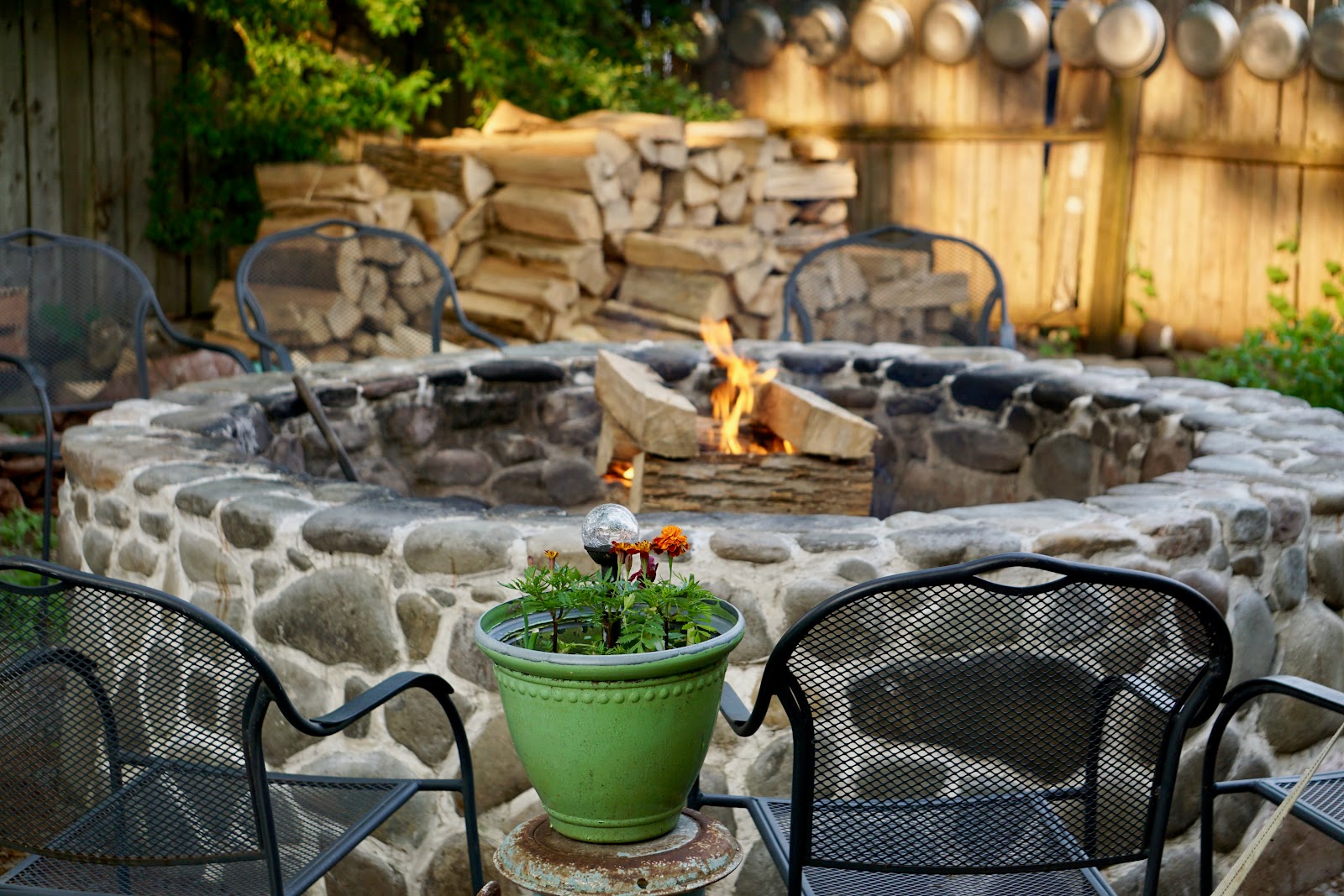
A fire pit featuring a Solo Stove is in the backyard. Wood is under the deck and firestarter/lighters are located with the BBQ tools in the kitchen island. Please pay careful attention to the open fire and only burn wood.
Firewood is located either under the porch or next to the driveway in a large stack under a tarp.
Please ensure fires are fully extinguished before retiring for the evening and cover the solo stove when not in use once cool. A fire extinguisher is mounted in the kitchen and under the deck next to the stairs closest to the fire pit.
Any coals/ash should placed in the ash bin for disposal
S’mores are encouraged- you’ll find skewers with the BBQ tools :)
Snow and Inclement Weather
You may experience snow flurries and the occasional heavy snow accumulation during winter stays. The driveway is plowed automatically once 2 inches of snow has accumulated. A snow shovel can be found in the basement and rock salt for icy conditions on the deck, walkways, or driveway.
Local roads are plowed regularly, roads may be impassable for a few hours during storms. If you don’t have winter driving experience, please take extra care at night and in below-freezing conditions.
Be careful walking on the decks and walkways in icy conditions.
Wildlife Encounters
When booking a house in the countryside, surrounded by lush nature and a nearby national wildlife reserve, it’s important to be prepared for encounters with various wildlife. In the evenings, you may notice an abundance of insects, some of which occasionally find their way indoors. Be cautious with open windows and doors. Additionally, food smells often attract black bears and are known for their curiosity. It’s best to avoid leaving food unattended on decks, porches, or grills, as bears have been known to investigate and even open unlocked cars in search of snacks.
A few asks...
Please no smoking of any kind inside the house.
Please confine any open fires to the fire pit provided for your enjoyment, per NYS burning regulations. Please ensure that a fire is never left unattended and any fire is fully extinguished.
Enjoy grilling, but clean grill after user
Please do not play loud music outside after 9 pm as sound can travel and disturb neighbors.
Due to fire risk, please no EV charging.
Please do not rearrange furniture in the house.
Quiet Hours
Please do not play loud music outside after 9 pm as sound can travel and disturb neighbors.
Smoking Policy
Please no smoking of any kind inside the house, including vaping.
Pets
One well-behaved and housebroken dog is welcome! A few rules we'd appreciate your help with to minimize the impact of even the most well-intentioned pups:
Please clean up after your dog and put any waste in a trash bag before departing.
Please keep dogs off beds & seating areas. Wipe dirty or muddy paws.
You'll find some towels, blankets, bowls, & more in the doggie basket.
Please bring pet’s crate, bedding, & blankets.
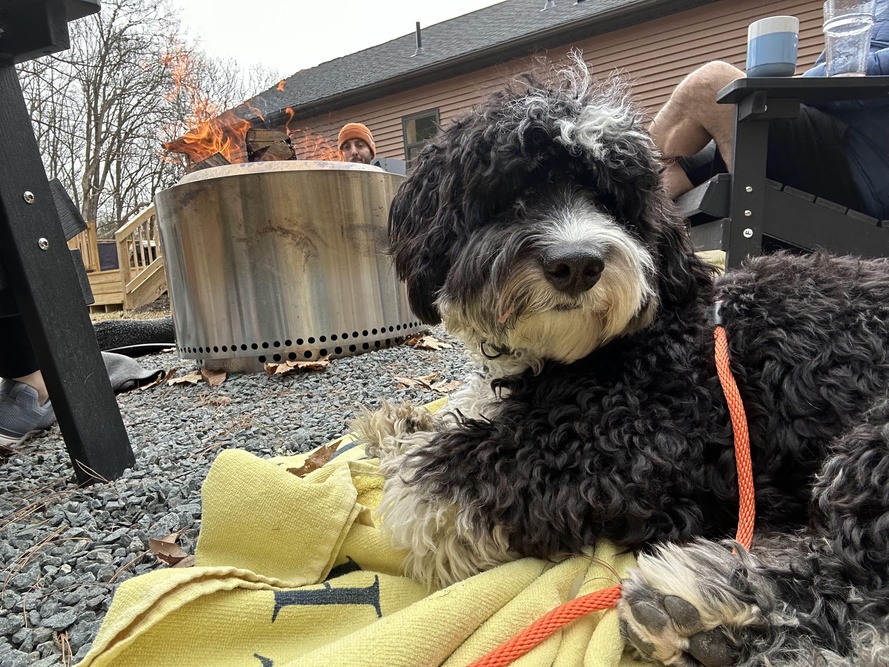
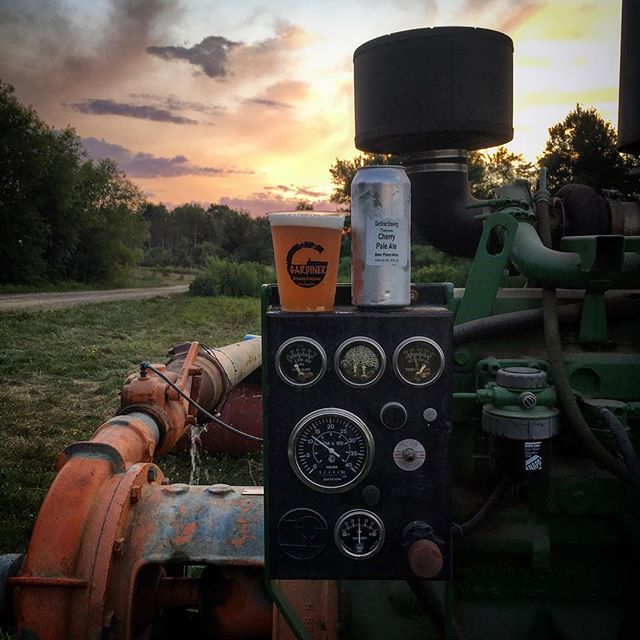
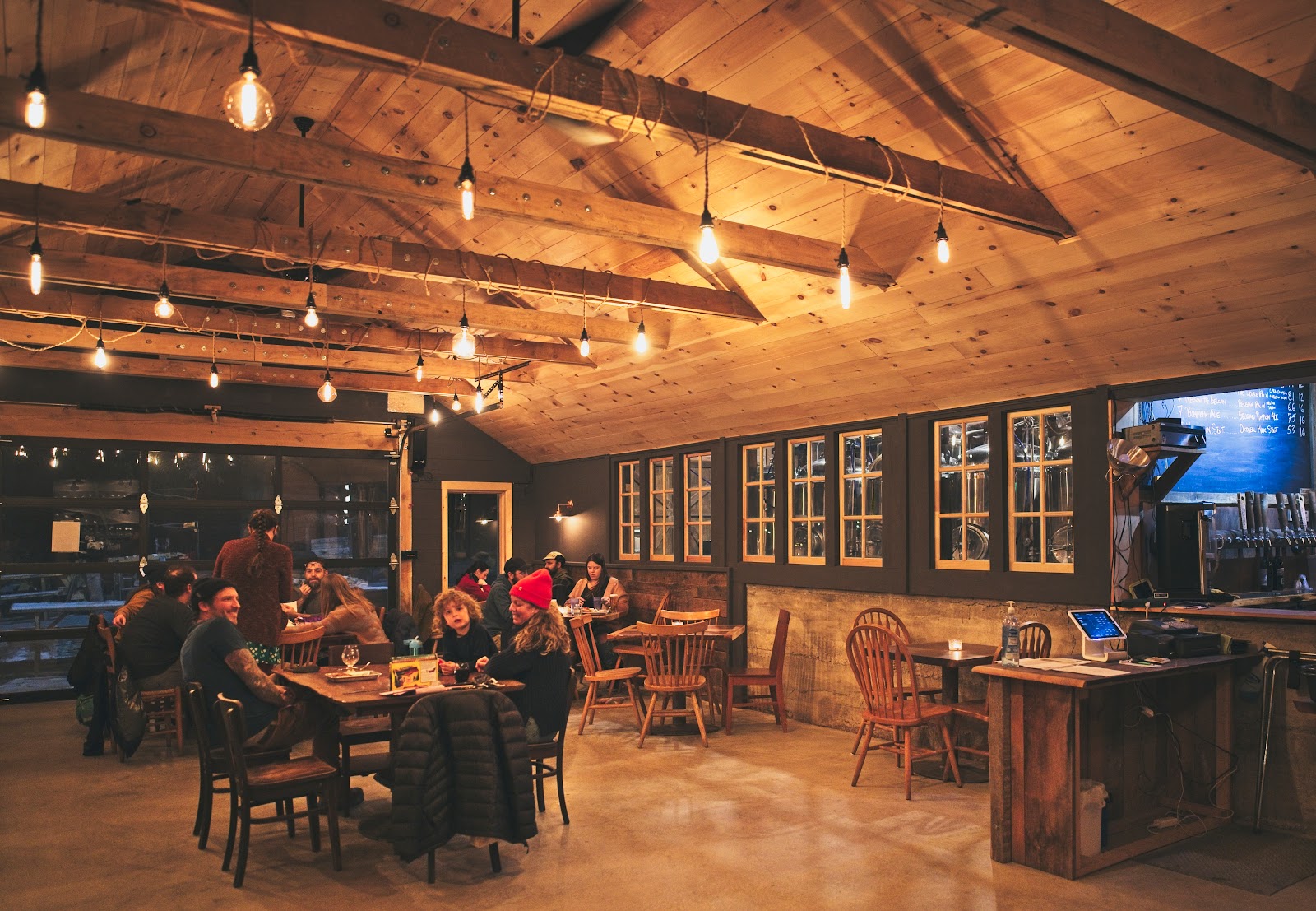
Hudson says thank you very much and hopes your dog enjoys some quality mountain sniffs! Be sure to visit these dog-friendly local spots we love - Westwind Orchard and Arrowood Farms Brewery.
Breakages
We understand that sometimes accidents happen! Should you break anything please let us know immediately so we can replace it for the next guest. Thank you!
Emergency Services
In case of a fire
Exit the property as quickly as possible
Ensure that all persons are accounted for
Dial 911
For emergency services, call 911. Do not delay if you feel an emergency situation has arisen. State your location as 342 Upper Cherrytown Road.
The Hudson Valley & Catskill region offers fantastic hiking & outdoor adventures, but it's important to be aware of ticks. Here's how to enjoy the outdoors safely:
Before You Hit the Trails:
Dress Smart: Wear long pants, long-sleeved shirts, and closed-toe shoes. Tuck your pants into socks for an extra barrier.
Repel Ticks: Choose an EPA-registered insect repellent containing DEET (20% or higher for adults, 10% or lower for children) and follow directions carefully.
Be Tick-Savvy: Learn about tick habitats and avoid brushing against tall grass and brush where ticks are more common.
While You Hike:
Stay on the Path: Sticking to the trail reduces your contact with tick-infested areas.
Do Quick Checks: Throughout your hike, take a moment to scan your clothes and exposed skin for ticks.
After Your Adventure:
Shower ASAP: A hot shower within 2 hours of being outdoors can help wash away unattached ticks.
Full Body Check: Carefully examine yourself, children, and pets for ticks, paying close attention to warm, moist areas.
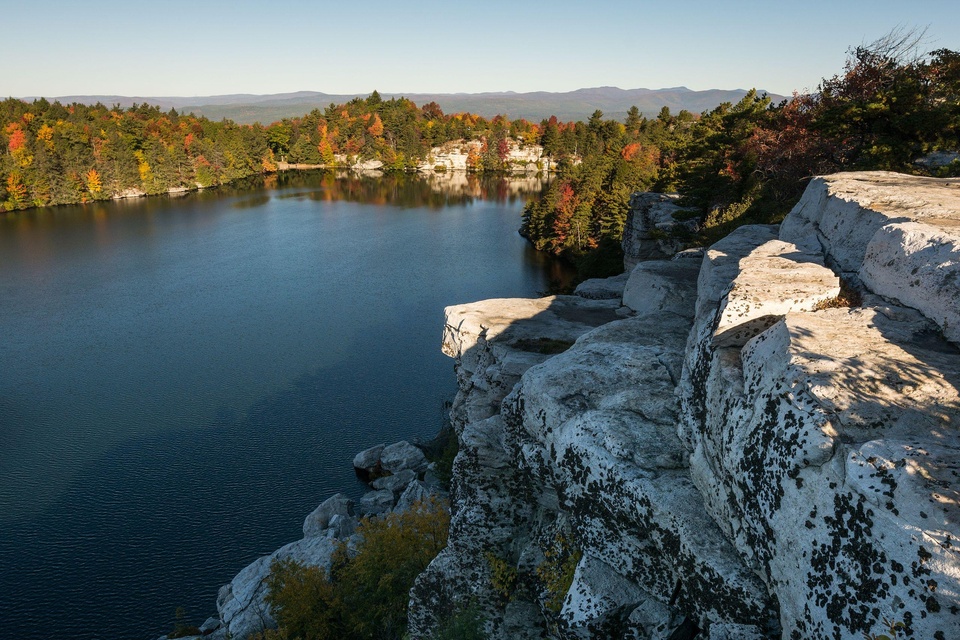
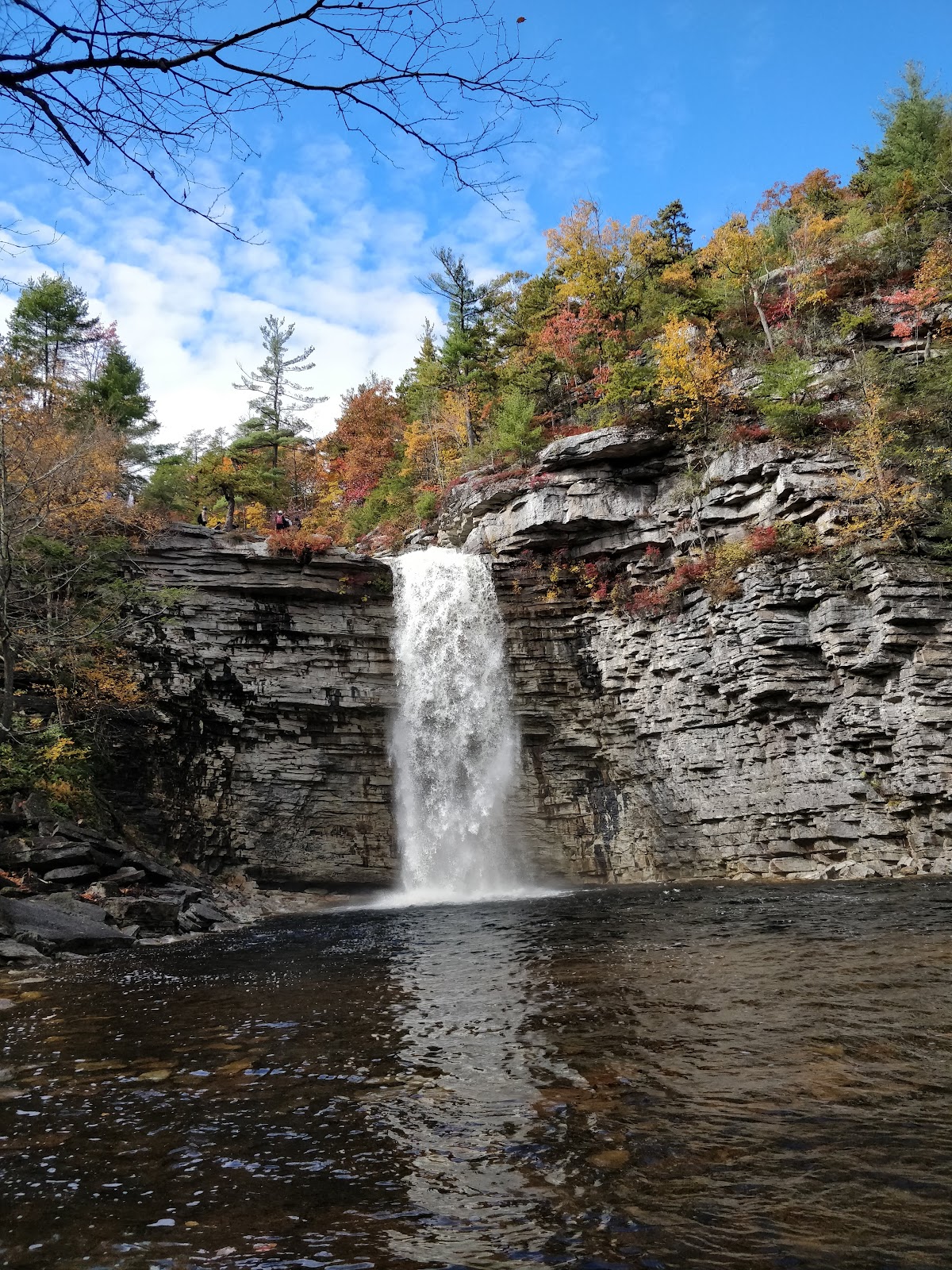
Located on the Shawangunk Mountain ridge is one of the most unique and beautiful parks in New York State. It features numerous waterfalls, lakes, and stunning cliff-edge views.
Amenities
• Boat Launches • Bridle Path • Food • Museum/Visitors Center * Nature Center • Picnic Tables • Swimming Beach
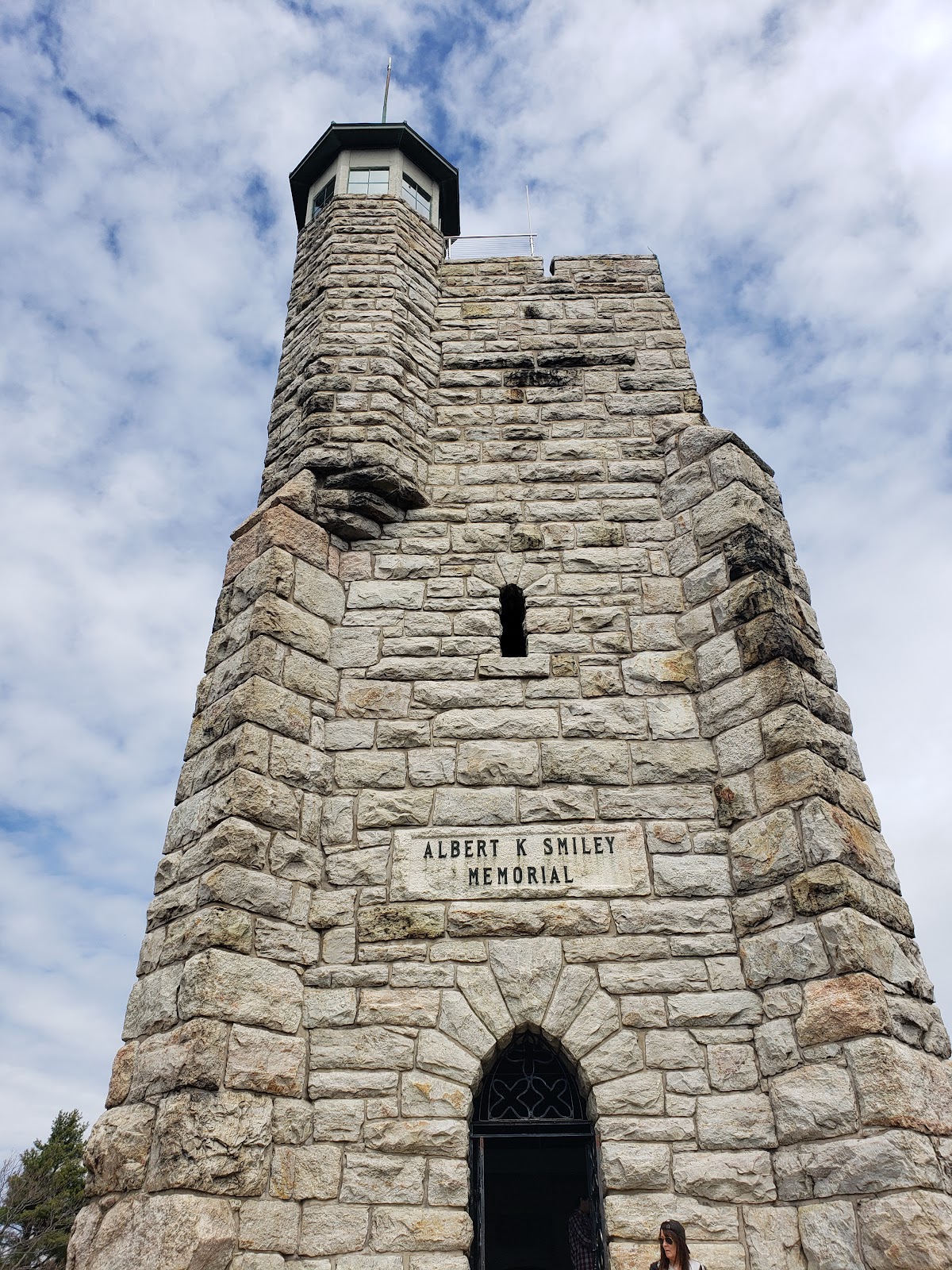
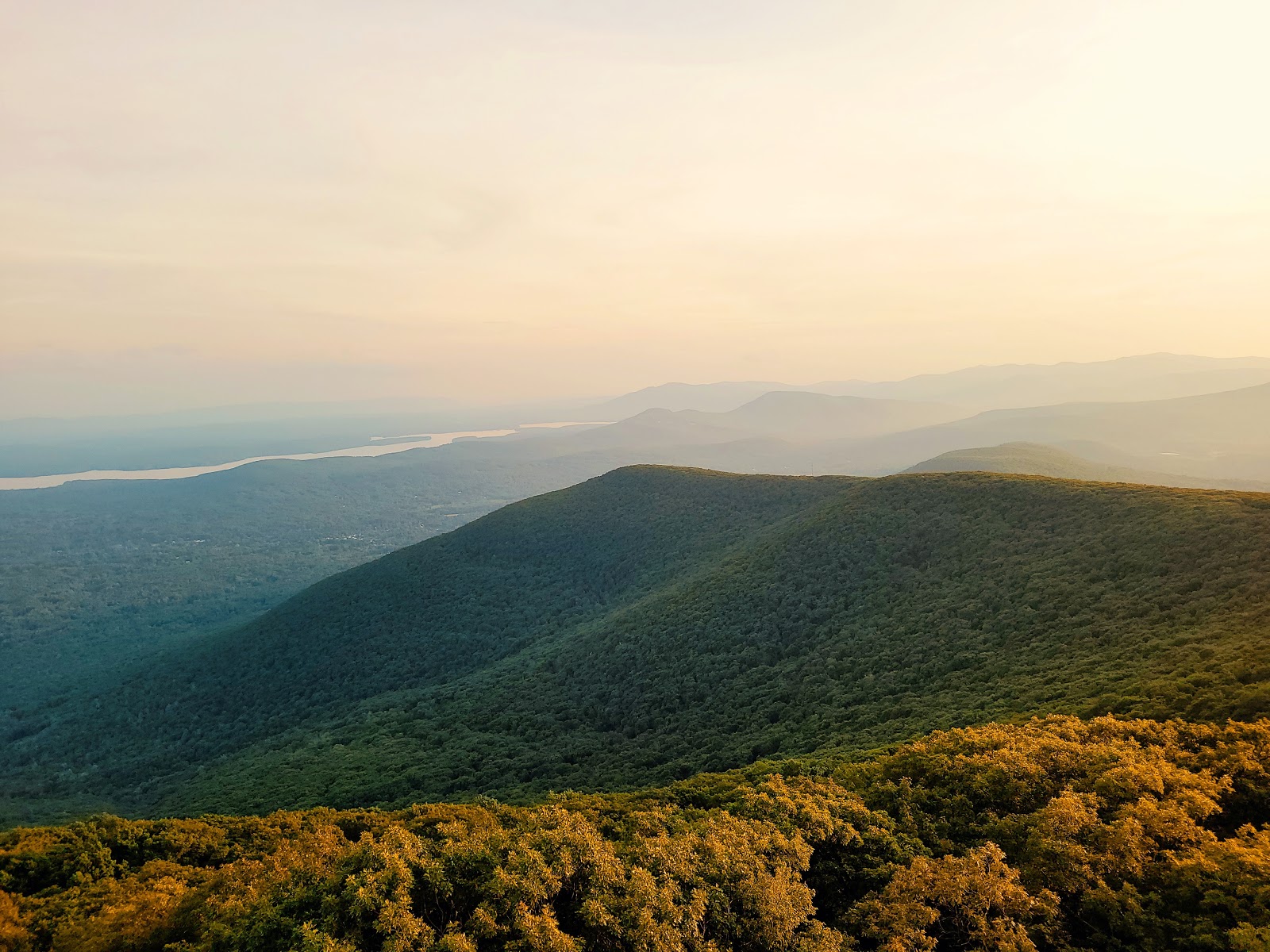
The Overlook Mountain Wild Forest offers a unique combination: a historic fire tower, mountain house ruins, and impressive views of the Hudson River Valley and the central Catskills all within an under five-mile hike.
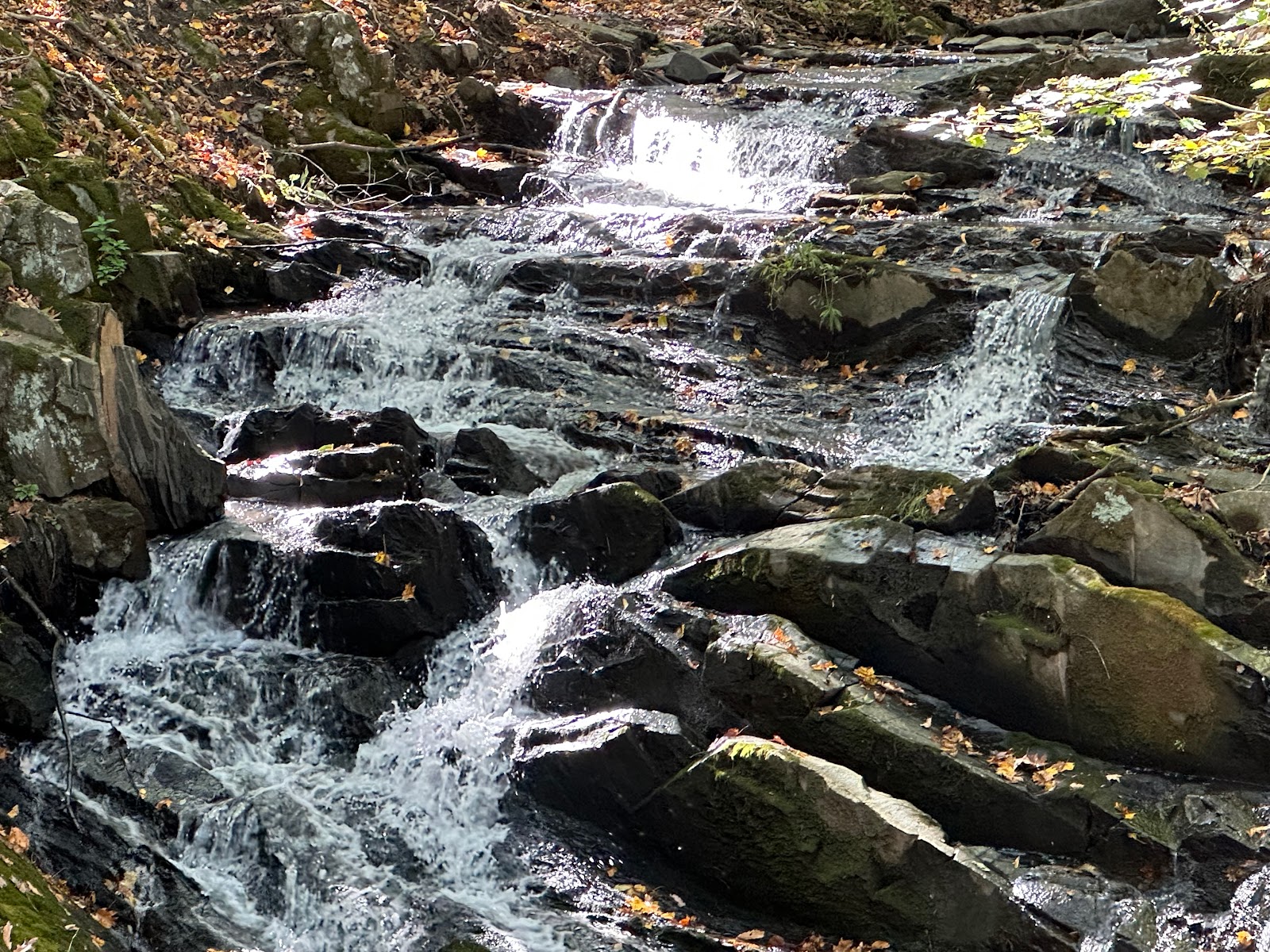
Vernooy Kill Falls is a series of picturesque little waterfalls with pools, dropping about 30 feet in 4 stages. A foot bridge crosses the base of the falls for a nice view. Nearby is a tall stonewall, a remnant of the Vernooy Mill which 200 years ago was a major crossroads where farmers near and far brought their grain for milling. A major road ran through this area which now looks wild. In the ten years since 2000, over 1000 acres have burned on nearby Cherrytown Mountain.
Directions: Take State Route 209 to Samsonville Road, to Cherrytown Road to Upper Cherrytown Road. The parking lot is on the right on Upper Cherrytown Road. Park and cross the road to the trail, which at first climbs up a steep hill on the old woods road, now a snowmobile trail).
Distance: 3.6 miles. Ascent: 250 feet.
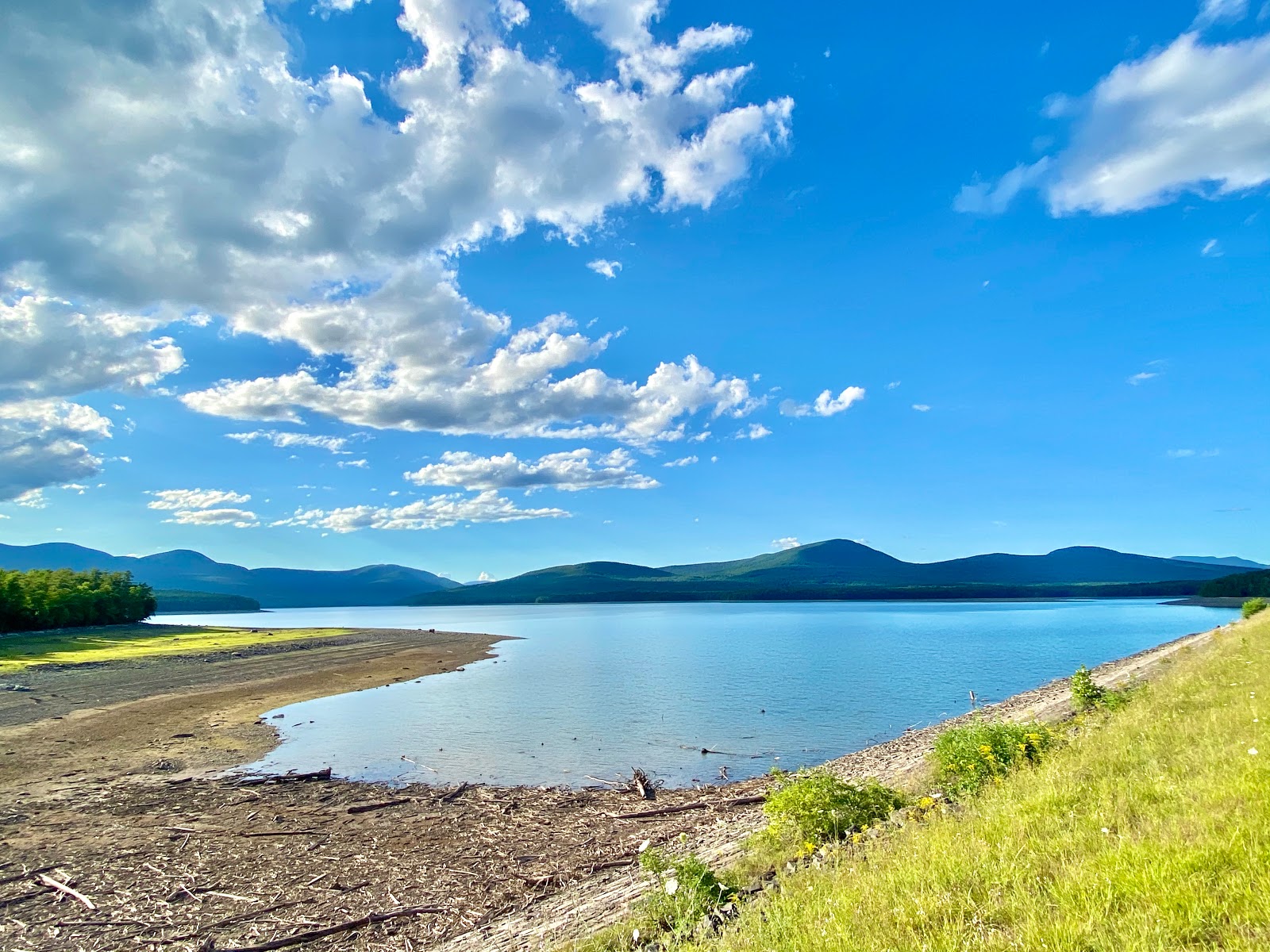
Ashokan Reservoir
25 min · 14.3 mi · 4.7★
This easy, flat hike along a popular section of the Ashokan Reservoir offers stunning, close-up views of the Catskills from the Hudson Valley lowlands. The total distance is 5 miles, out and back.
Trail:
The trail is a mix of surfaces:
2.4 miles on a wide, paved, off-road path
2.4 miles on a wide, paved road closed to motorized vehicles
Short sections (around 200 yards each) on a public road with traffic
Directions:
By Car:
There are three ways to reach the parking area, depending on your starting point:
From South:
Take the New York Thruway to Exit 19 (Kingston).
Head west on Route 28 for about 5 miles to the traffic light where Route 375 goes to Woodstock.
Continue west on Route 28 for another 5 miles.
Turn left onto Reservoir Road and go south for 1.8 miles.
Turn left onto Monument Road and go east for 0.3 miles.
Turn left onto Route 28A and go east for 0.9 miles.
Turn left onto an unmarked road (possibly marked "Dead End") and follow it for 0.3 miles to a parking circle, sometimes called the "Frying Pan" area.
From North:
Take the New York Thruway to Exit 20 (Saugerties).
Turn left onto Route 32 North, then continue straight onto Route 212 West for about 7 miles.
As you enter Woodstock, turn left on Route 375 and go about 2.4 miles to a traffic light.
Turn right onto Route 28 West and go about another 5 miles.
Turn left onto Reservoir Rd and follow the directions from "From South" above (steps 4-7).
From West on Route 28:
Coming from Phoenicia on Route 28 East, note where Route 28A turns off just after Boiceville.
Continue straight on Route 28 East for about 3.4 miles.
Turn right onto Reservoir Rd and follow the directions from "From South" above (steps 4-7).
Note: If Reservoir Road is closed, you can still reach the parking area by taking Route 28A around either end of the reservoir.
A 2.65- mile hike takes you along the Kanape Brook, where looking closely, you will see remnants of hillside farms on what was once known as Freeman Avery Road. You pass streams rushing to the brook, stone walls, farm foundations (on your left), Norway spruce plantings, a spring box built by the Civilian Conservation Corps at 1.25 mile, and finally a clearing where the trail crosses the brook (small trout have been spotted). Here the trail runs through a dark, dense plantation of Norway spruce trees. Once these trees would have been used for lumber and logs and protected the farm that stood here from winds and snowdrifts. The trail leaves the old road at 2.65 miles, continuing up to Ashokan High Point Mountain (3080'). The last 1.25 miles is very steep. On the summit, repeated fires and shallow soils have formed blueberry balds, with small scrub oaks - but without fire these balds may someday disappear.
Distance: 5.3 miles. Ascent: 500 feet. (To High Point Summit - 7.5 miles, Ascent - 1480 feet)
Onteora Lake
39 min · 23.9 mi · 4.6★
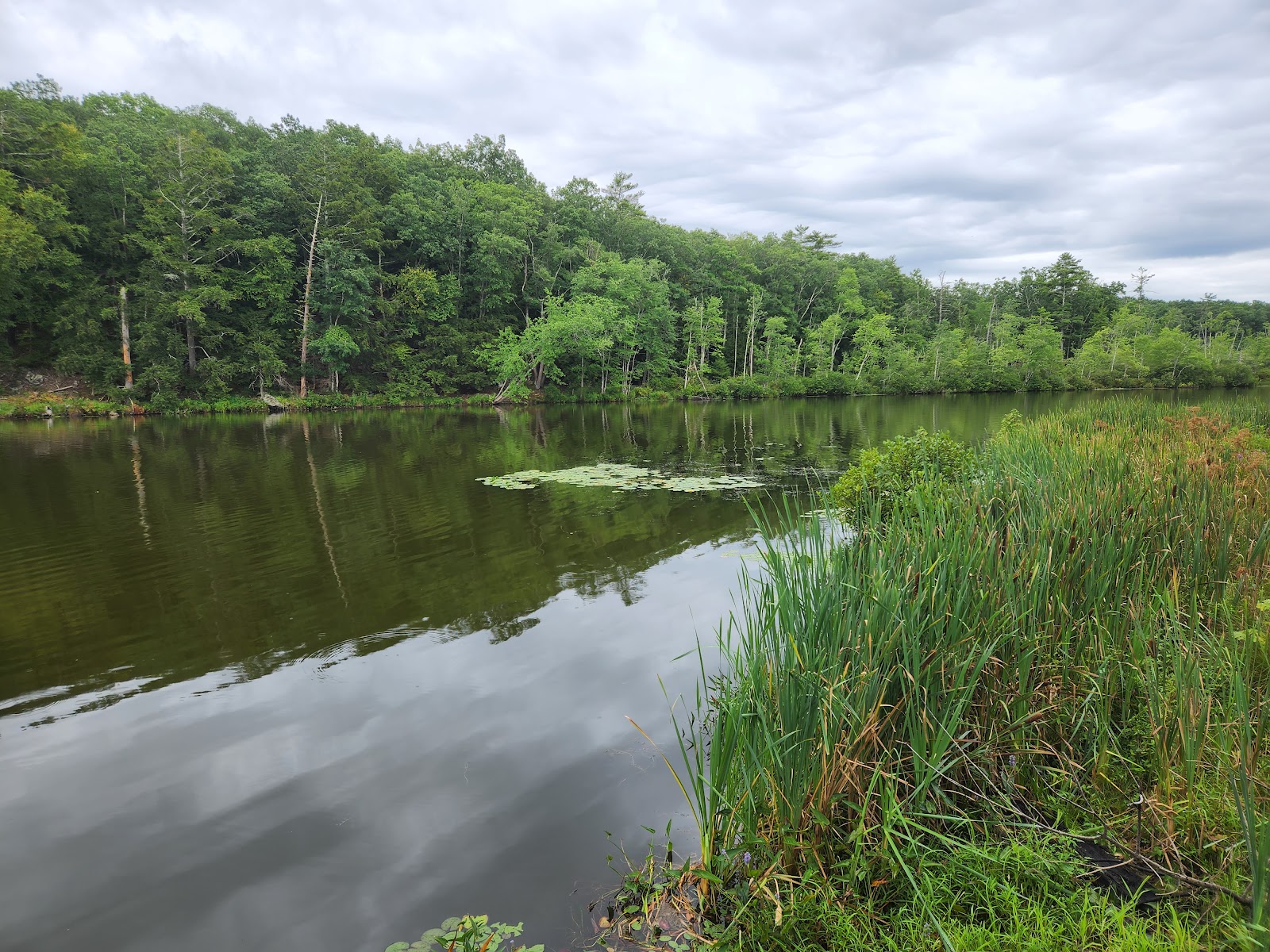
Bluestone mined in the area was transported by wagons to Kingston, where it was shipped to cities around the world. Walk the "yellow" trail that loops around part of Onteora Lake for signs of former bluestone quarrying. The yellow-marked woods road/trail starts at the parking lot on Onteora Lake and winds through an undulating forested landscape of hemlocks, pines and oaks. Trail loops winding through the woods to the north are also excellent for short mountain biking tours.
Rochester Hollow Trailhead
48 min · 33.4 mi · 4.2★
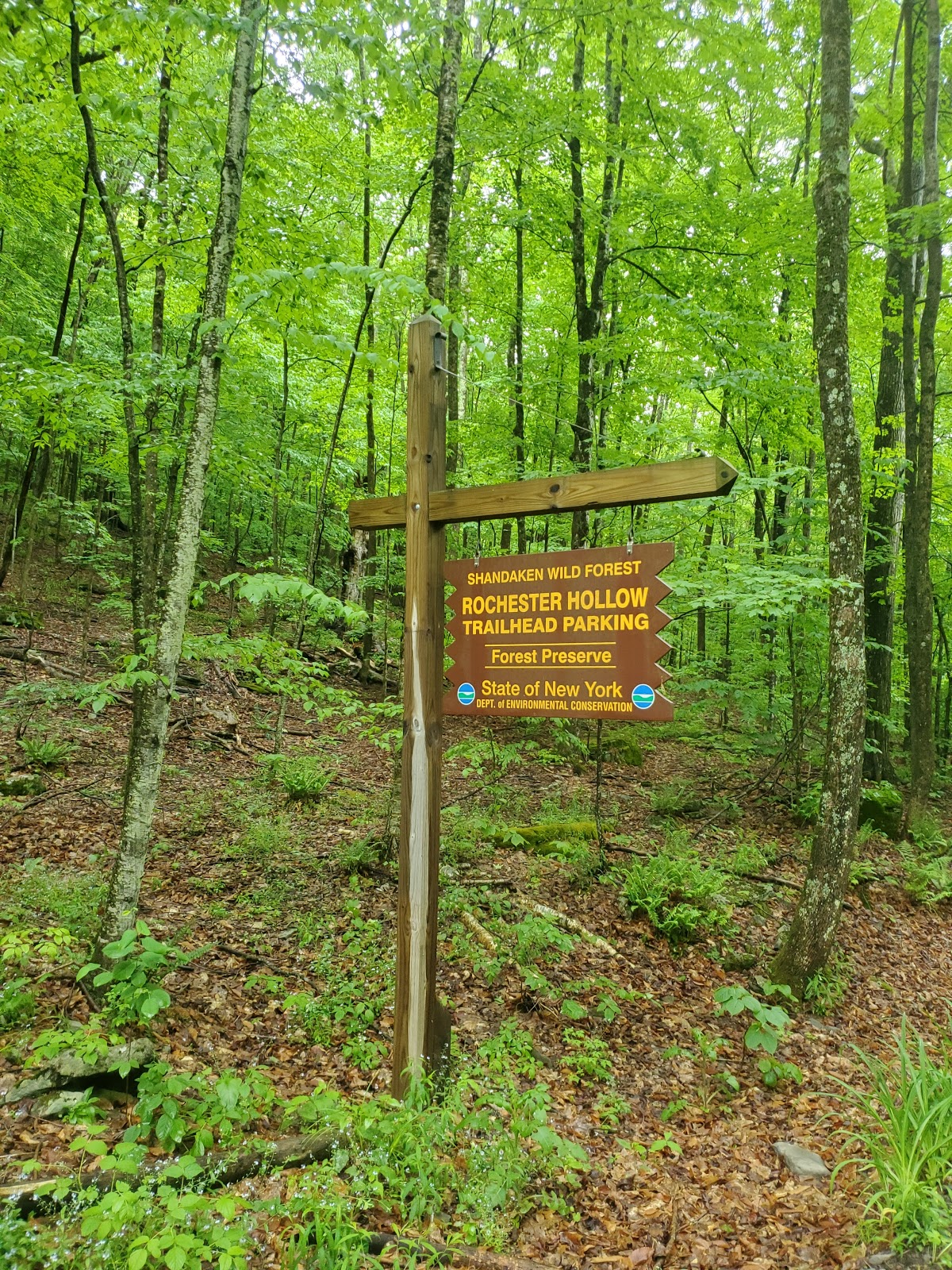
From the parking lot, the abandoned road climbs gently and steadily along the stream, passing low hemlock stands. At about 1 mile, the trail gets steeper for ½ mile, then becomes gentler, passing a 1921 Burroughs Forest Memorial Plaque, 2 small ponds and house ruins before stopping at private lands (about 3 miles). Good for cross-country skiing and limited mountain biking. At the end of the 3-mile road is an accessible campsite (with hardened surfaces, picnic table, fireplace and privy).
Distance: Up to 6 miles. Ascent: Up to 800 feet. Scenic Vistas and Fire Towers
Wallkill Valley Rail Trail
36 min · 22.2 mi · 4.8★
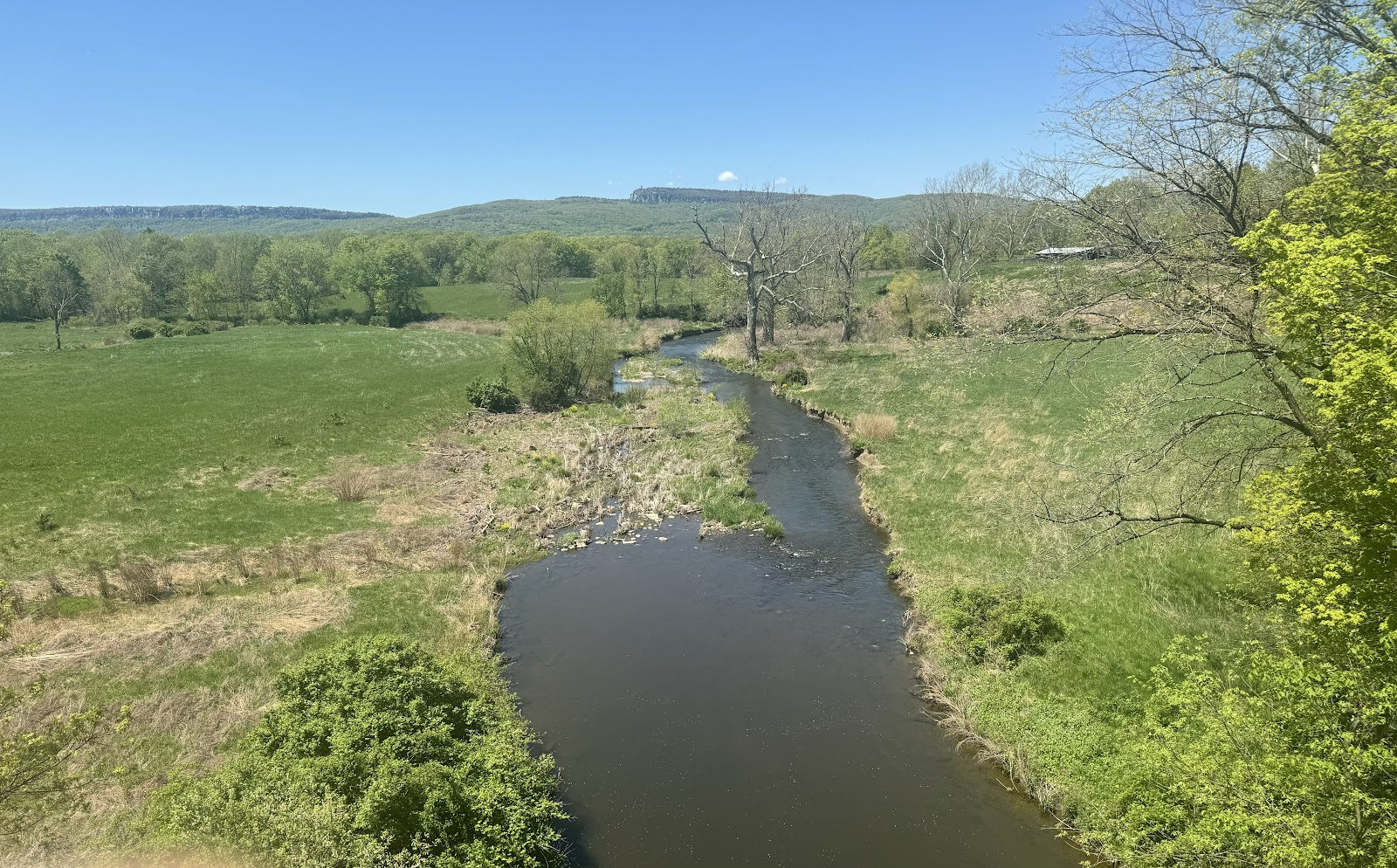
One of America’s ten most iconic rail trails, its 22 miles offers unsurpassed vistas, quiet arbors, ever-chilly caverns and a variety bridges. Spanning rivers and gorges, its bridges enable visitors and daily users to connect with nature, new friends, with our shared history and with a more sustainable future. Passing through orchards, organic farms, lakes, rivers and streams, it also links villages and towns including the Historic Huguenot District in New Paltz, the towns of Gardiner and Rosendale and ending near the historic Stockade District in the City of Kingston. The crown jewel of this 22-mile linear park is the famed Rosendale Trestle, with its 940 foot span over the Rondout Creek and soaring 150 feet above the water’s surface. When first constructed in 1872 it was dubbed the iron wonder and was the highest span bridge in the United States. Often referred to as the Walkway over the Rondout, the trestle offers more intimate views than the Wallkway Over The Hudson, yet no less spectacular views of Joppenburgh Mountain, Main Street Rosendale and the Rondout Creek.
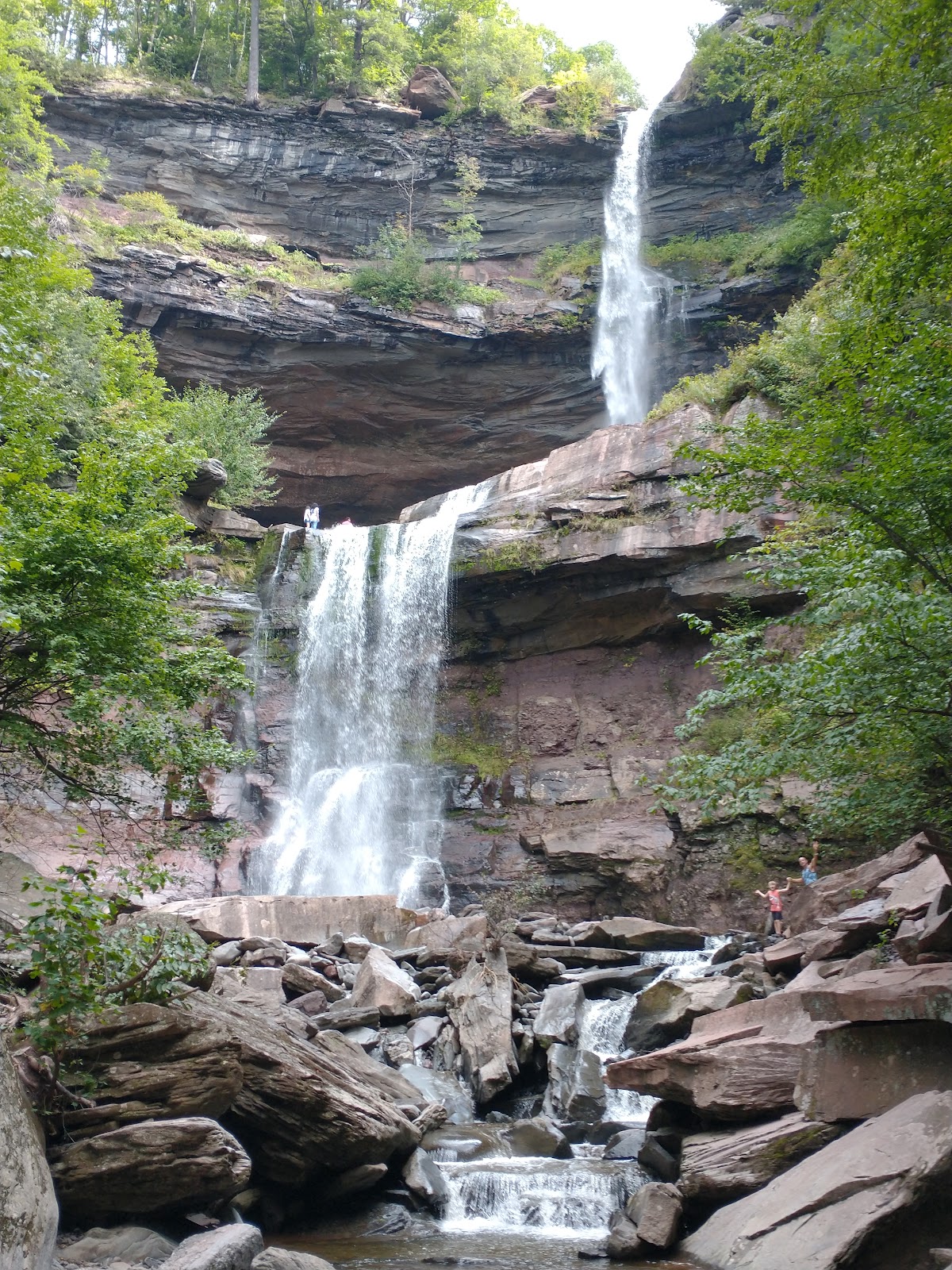
The 7,620-acre Kaaterskill Wild Forest, located in the Catskill Forest Preserve is a popular destination for outdoor recreation, due to the abundance of hiking and other recreational trails available, as well as the iconic Kaaterskill Falls.
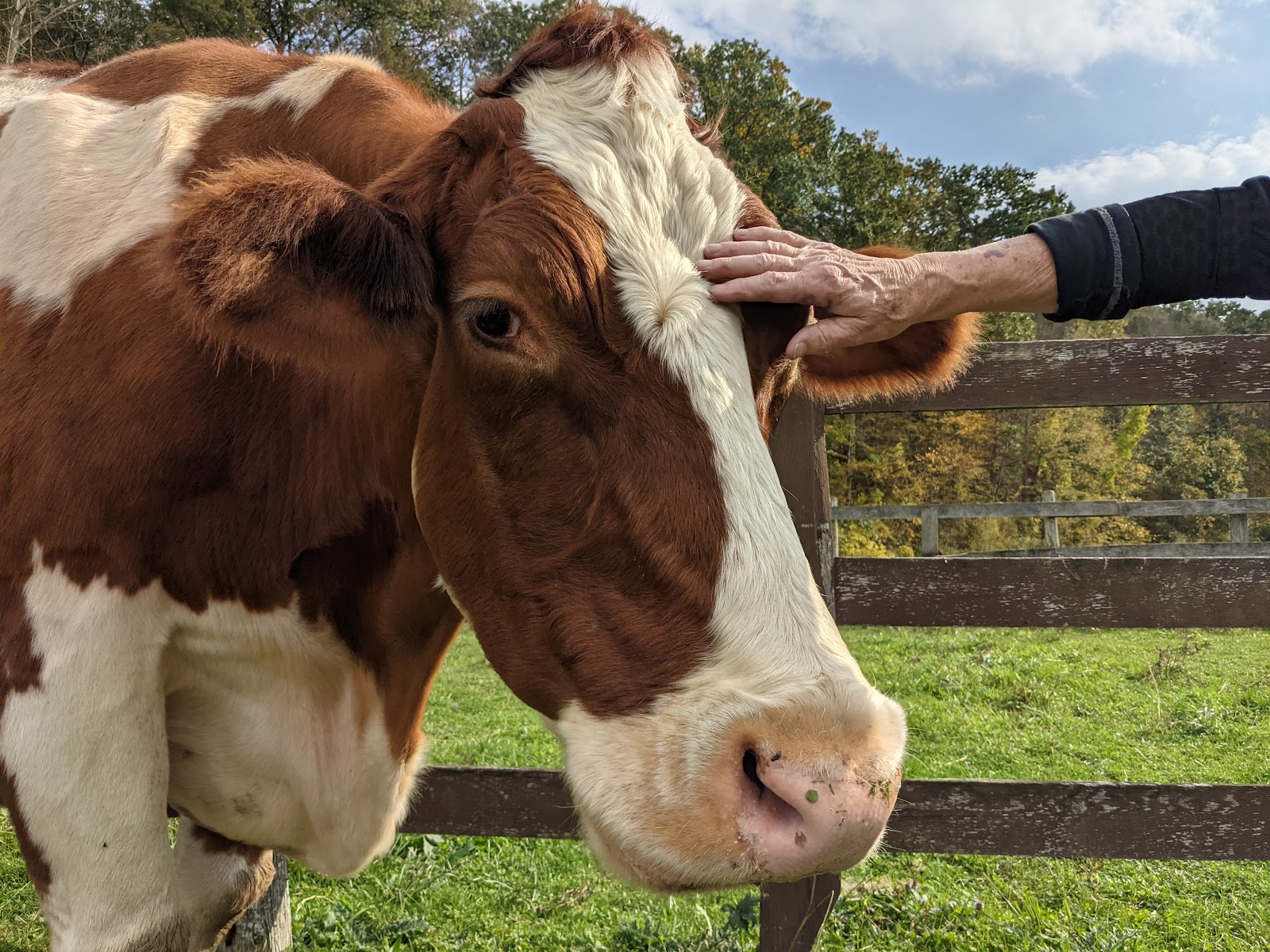
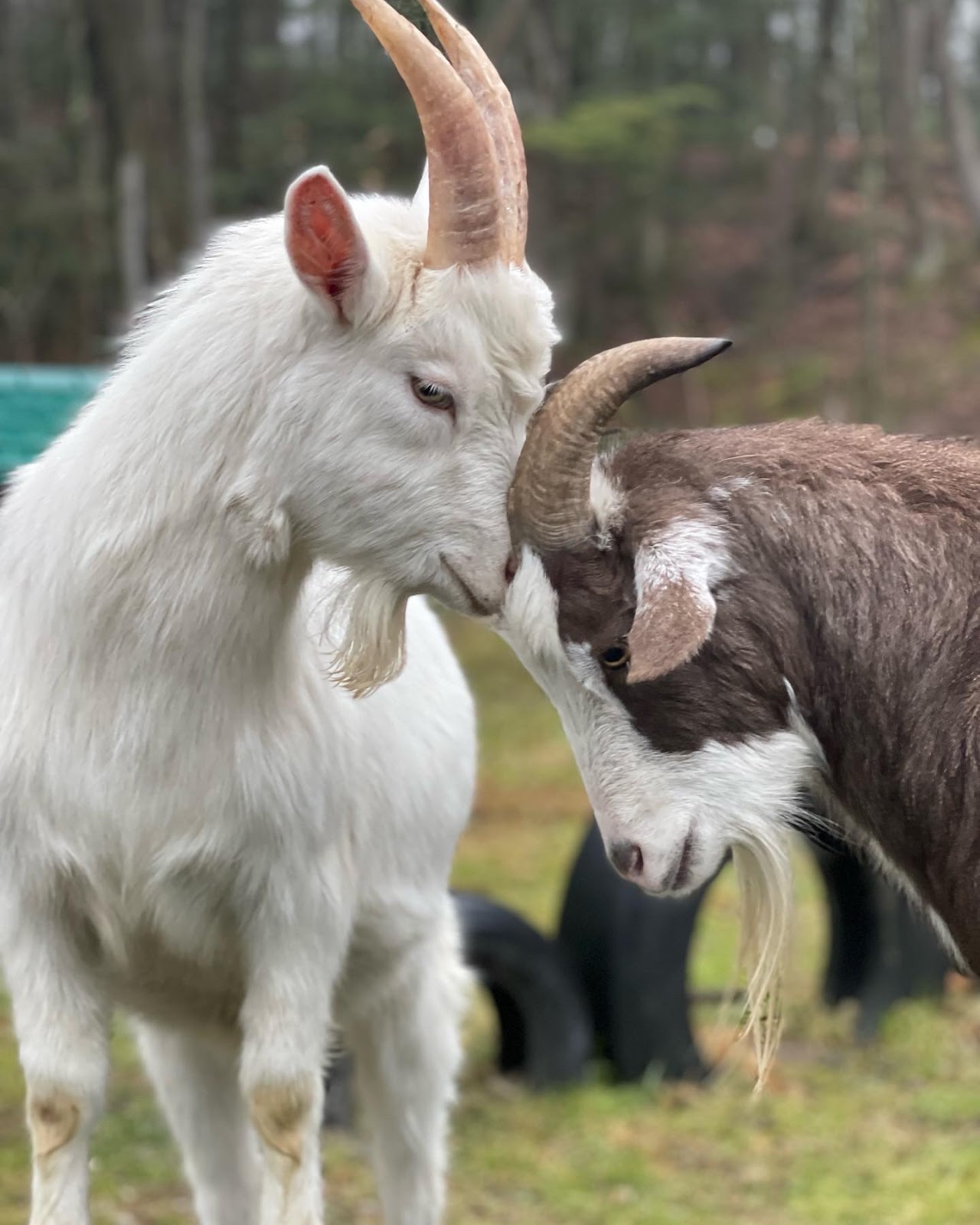
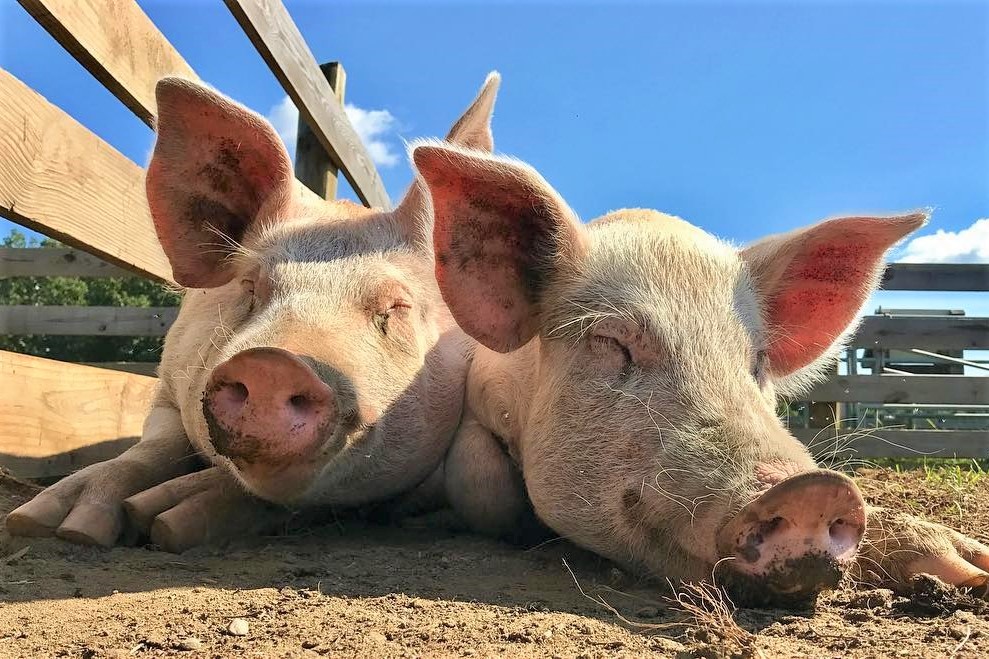
Frederick Farm Goat Rescue and Sanctuary is a compassionate haven dedicated to rescuing, rehabilitating, and providing lifelong care for goats in need. Nestled in a peaceful rural setting, the sanctuary offers a safe, loving environment where goats can thrive and live out their lives in peace. Committed to education and advocacy, Frederick Farm also works to raise awareness about animal welfare and promote kindness toward all creatures.
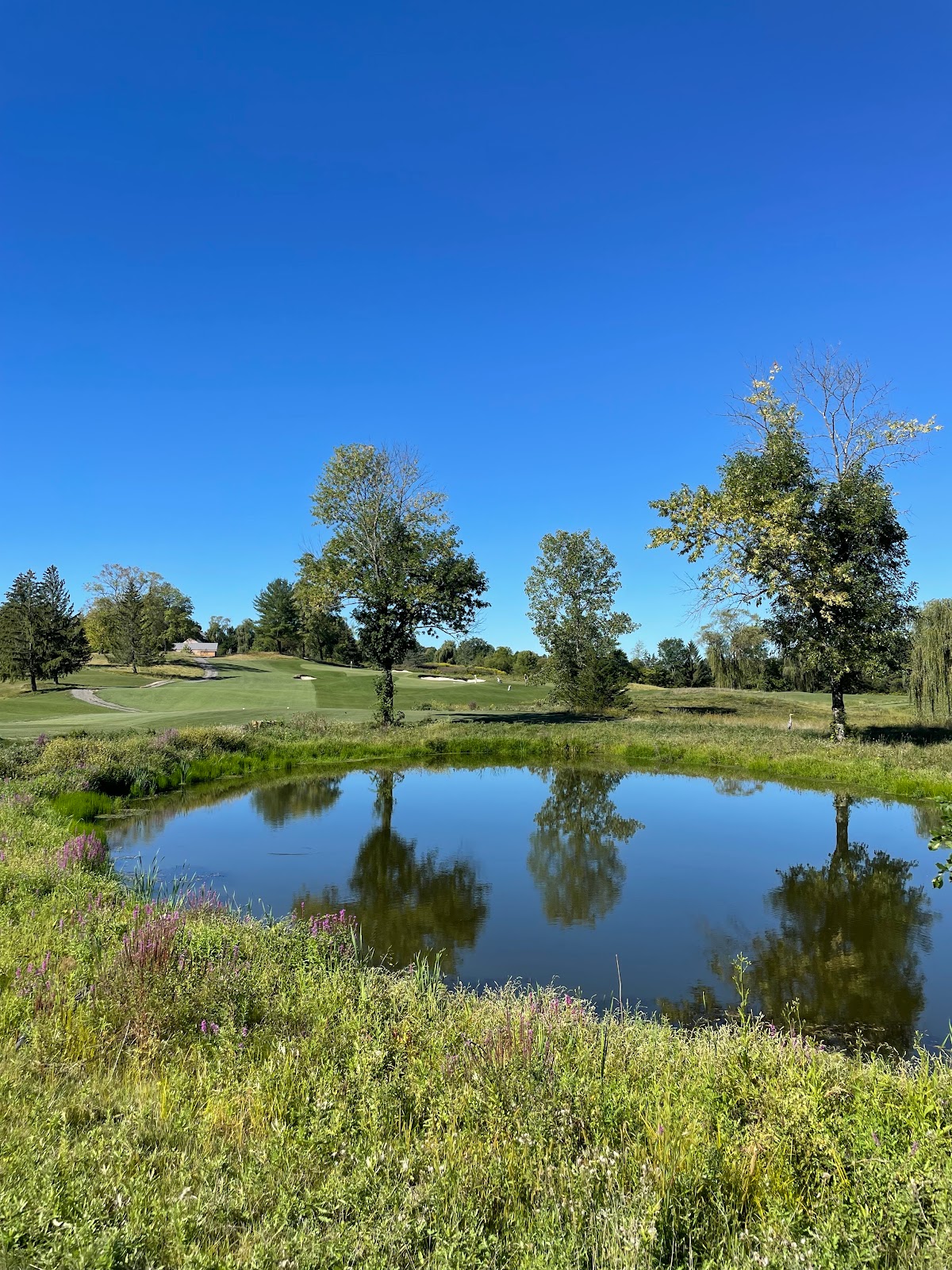
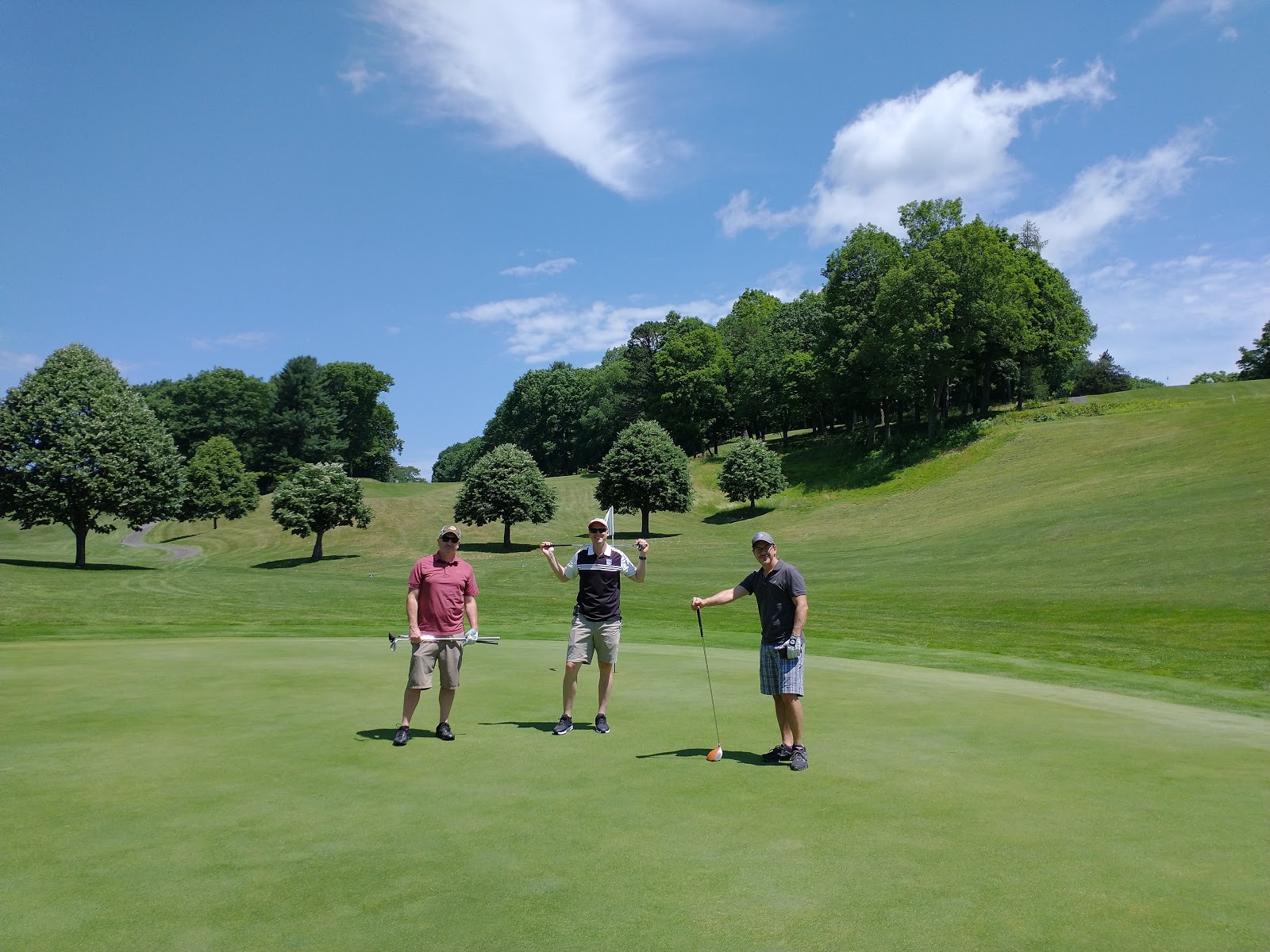
A welcome escape awaits you. INNESS is your upstate NY getaway with luxury accommodation, dining, member’s club, golf, and abundant leisure activities.
A welcome escape awaits you. INNESS is your upstate NY getaway with luxury accommodation, dining, member’s club, golf, and abundant leisure activities.
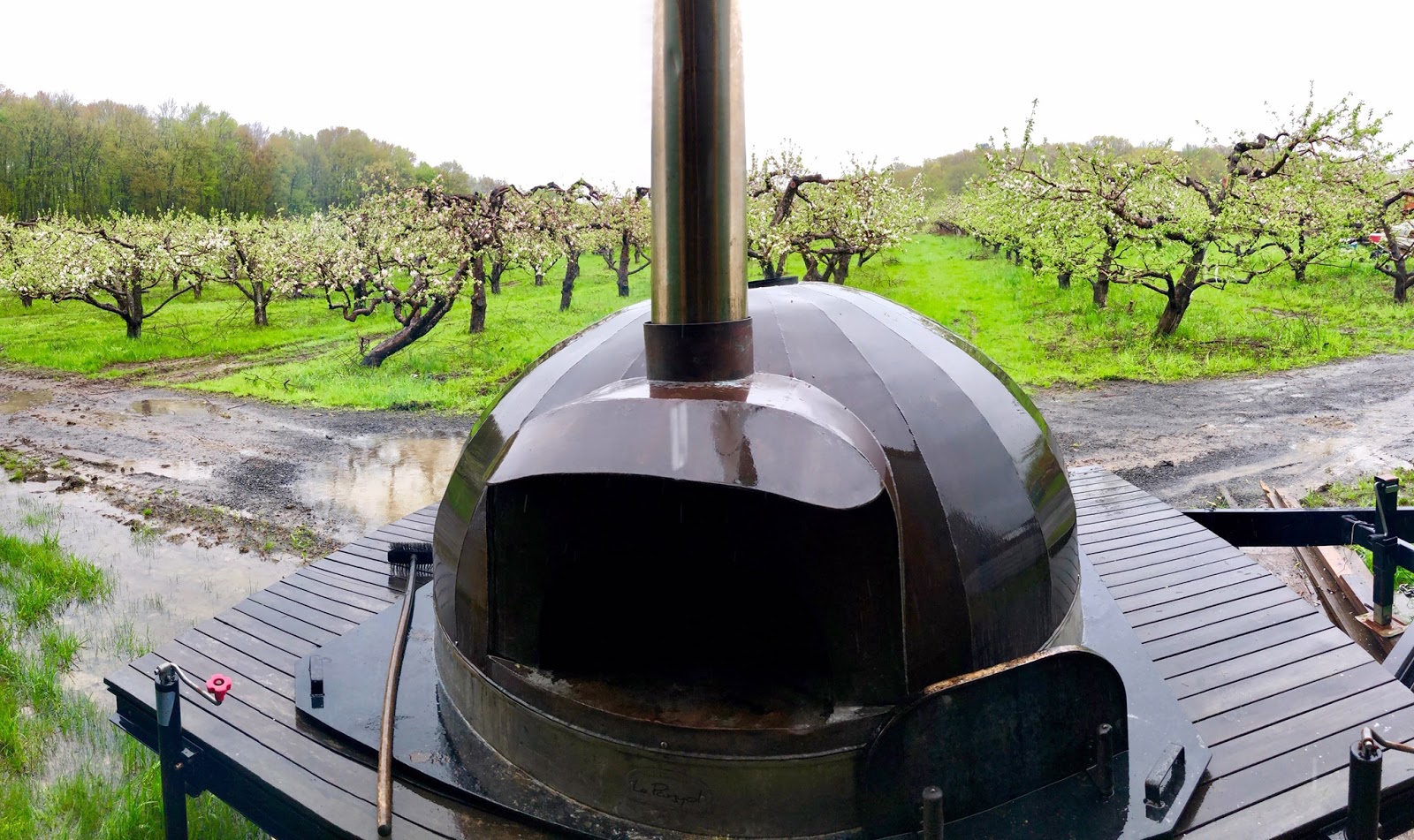
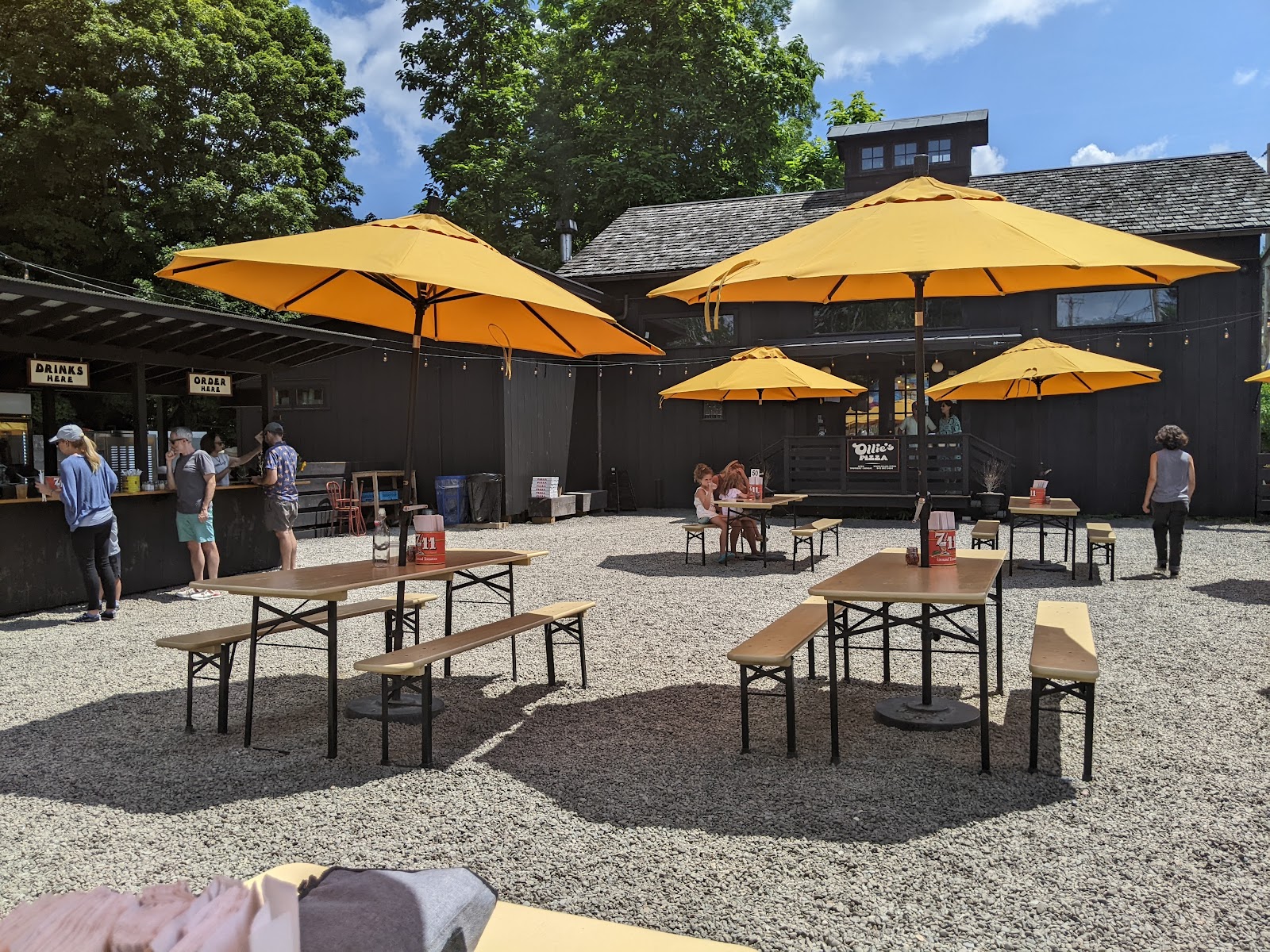
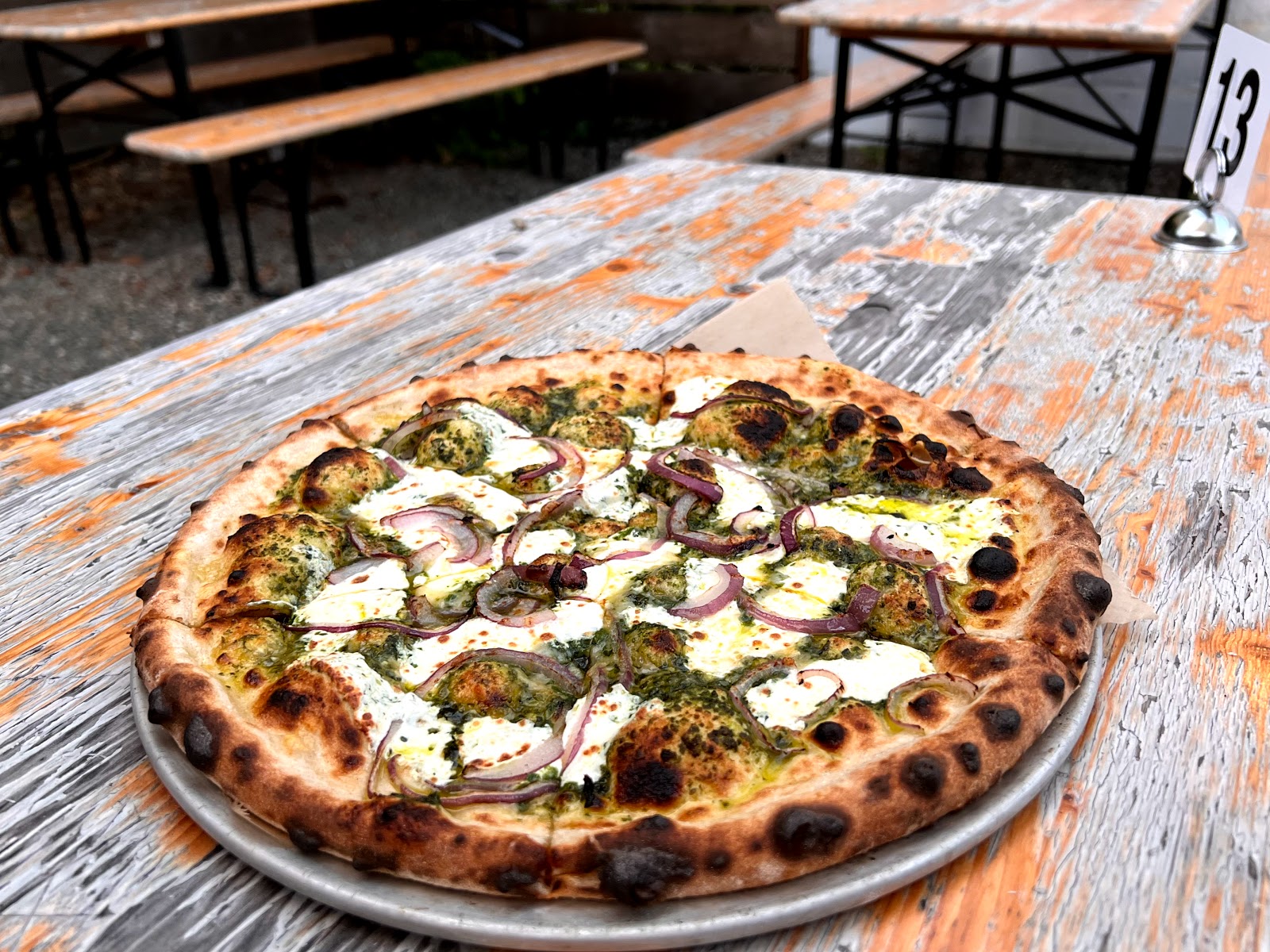
Located in historic High Falls, New York, Ollie’s Pizza is the Hudson Valley’s new standard for old-school, wood-oven and Roman-style pizzas with a full bar and outdoor seating.
Check-out time is 11 am sharp. If you require a later check-out, we’ll do our best to accommodate it if arranged in advance.
Check-Out Process
Before your departure, we’d appreciate if you would assist with a few items:
Beds: It’s ok to leave beds unmade.
Towels: Leave all used towels in a bathroom.
Dishes: Please clean up any dirty dishes and start the dishwasher.
Trash: Please bag any trash and place it in the dumpster.
Turn Things off: Ensure you turn off the stove, lights, and TV. Log out of any streaming services on the TV.
Furniture: Return furniture to the location found.
Thank You For Staying With Us
Thank you for trusting us to host your getaway. We hope your stay was truly memorable. Your feedback is extremely important to us as we continually strive to enhance our hospitality. If there were any concerns or opportunities for improvement during your visit, please let us know. We review all feedback and take action based on your comments.
Cherrytown Chalet · Haus Vacation Rentals
Questions? (845) 382-8513
Explore nearby
Tap a pin or use Directions. Curated local favorites.
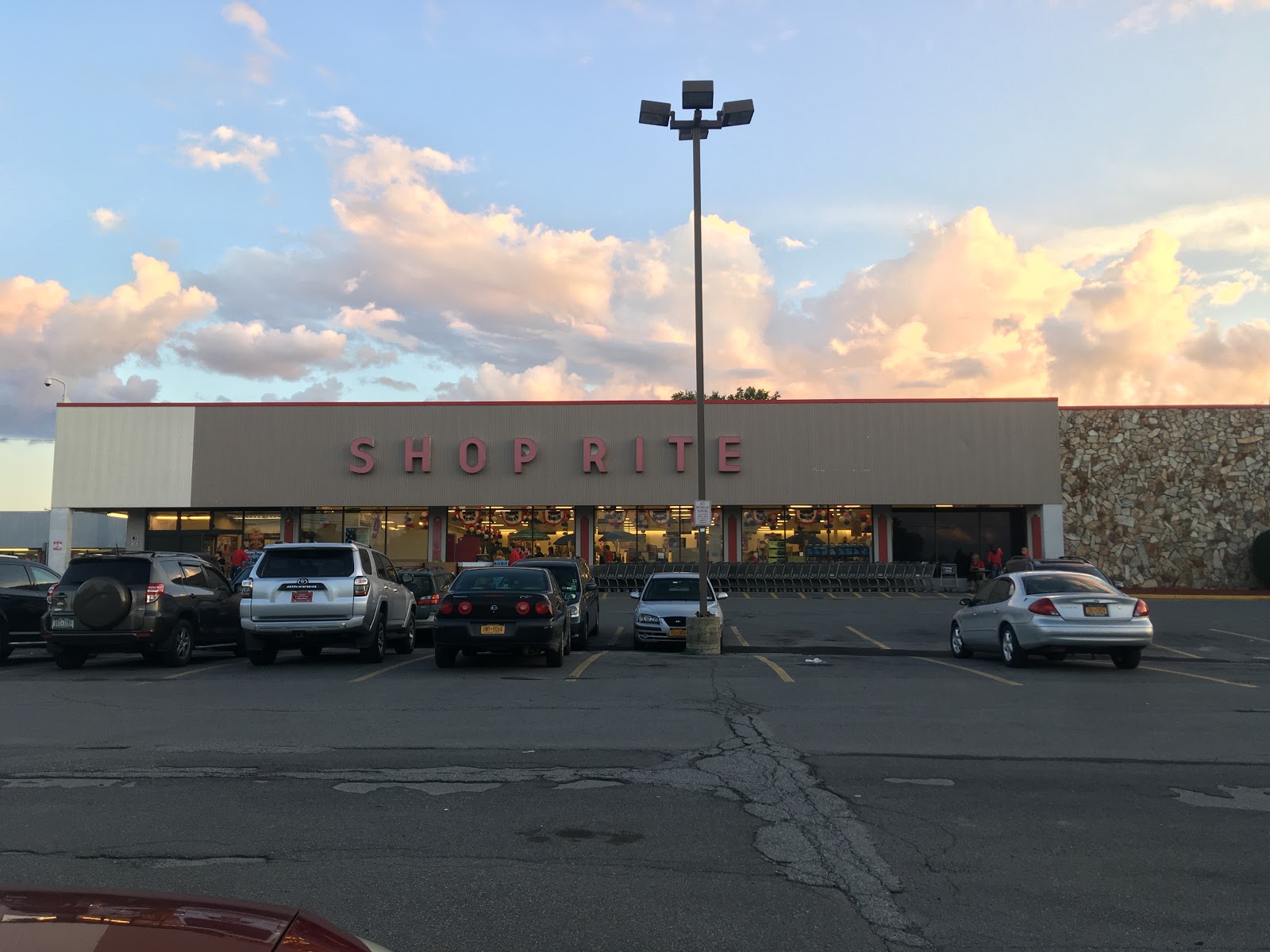
ShopRite of New Paltz
Shop · 38 min · 23.3 mi
Good place to stop for groceries on the way to the house (assuming coming from Thruway).
Located on the Shawangunk Mountain ridge is one of the most unique and beautiful parks in New York State. It features numerous waterfalls, lakes, and stunning cliff-edge views.
Amenities
• Boat Launches • Bridle Path • Food • Museum/Visitors Center * Nature Center • Picnic Tables • Swimming Beach
Vernooy Kill Falls is a series of picturesque little waterfalls with pools, dropping about 30 feet in 4 stages. A foot bridge crosses the base of the falls for a nice view. Nearby is a tall stonewall, a remnant of the Vernooy Mill which 200 years ago was a major crossroads where farmers near and far brought their grain for milling. A major road ran through this area which now looks wild. In the ten years since 2000, over 1000 acres have burned on nearby Cherrytown Mountain.
Directions: Take State Route 209 to Samsonville Road, to Cherrytown Road to Upper Cherrytown Road. The parking lot is on the right on Upper Cherrytown Road. Park and cross the road to the trail, which at first climbs up a steep hill on the old woods road, now a snowmobile trail).
This easy, flat hike along a popular section of the Ashokan Reservoir offers stunning, close-up views of the Catskills from the Hudson Valley lowlands. The total distance is 5 miles, out and back.
Trail:
The trail is a mix of surfaces:
2.4 miles on a wide, paved, off-road path
2.4 miles on a wide, paved road closed to motorized vehicles
Short sections (around 200 yards each) on a public road with traffic
Directions:
By Car:
There are three ways to reach the parking area, depending on your starting point:
From South:
Take the New York Thruway to Exit 19 (Kingston).
Head west on Route 28 for about 5 miles to the traffic light where Route 375 goes to Woodstock.
Continue west on Route 28 for another 5 miles.
Turn left onto Reservoir Road and go south for 1.8 miles.
Turn left onto Monument Road and go east for 0.3 miles.
Turn left onto Route 28A and go east for 0.9 miles.
Turn left onto an unmarked road (possibly marked "Dead End") and follow it for 0.3 miles to a parking circle, sometimes called the "Frying Pan" area.
From North:
Take the New York Thruway to Exit 20 (Saugerties).
Turn left onto Route 32 North, then continue straight onto Route 212 West for about 7 miles.
As you enter Woodstock, turn left on Route 375 and go about 2.4 miles to a traffic light.
Turn right onto Route 28 West and go about another 5 miles.
Turn left onto Reservoir Rd and follow the directions from "From South" above (steps 4-7).
From West on Route 28:
Coming from Phoenicia on Route 28 East, note where Route 28A turns off just after Boiceville.
Continue straight on Route 28 East for about 3.4 miles.
Turn right onto Reservoir Rd and follow the directions from "From South" above (steps 4-7).
Note: If Reservoir Road is closed, you can still reach the parking area by taking Route 28A around either end of the reservoir.
Frederick Farm Goat Rescue and Sanctuary is a compassionate haven dedicated to rescuing, rehabilitating, and providing lifelong care for goats in need. Nestled in a peaceful rural setting, the sanctuary offers a safe, loving environment where goats can thrive and live out their lives in peace. Committed to education and advocacy, Frederick Farm also works to raise awareness about animal welfare and promote kindness toward all creatures.
A 2.65- mile hike takes you along the Kanape Brook, where looking closely, you will see remnants of hillside farms on what was once known as Freeman Avery Road. You pass streams rushing to the brook, stone walls, farm foundations (on your left), Norway spruce plantings, a spring box built by the Civilian Conservation Corps at 1.25 mile, and finally a clearing where the trail crosses the brook (small trout have been spotted). Here the trail runs through a dark, dense plantation of Norway spruce trees. Once these trees would have been used for lumber and logs and protected the farm that stood here from winds and snowdrifts. The trail leaves the old road at 2.65 miles, continuing up to Ashokan High Point Mountain (3080'). The last 1.25 miles is very steep. On the summit, repeated fires and shallow soils have formed blueberry balds, with small scrub oaks - but without fire these balds may someday disappear.
Distance: 5.3 miles. Ascent: 500 feet. (To High Point Summit - 7.5 miles, Ascent - 1480 feet)
Bluestone mined in the area was transported by wagons to Kingston, where it was shipped to cities around the world. Walk the "yellow" trail that loops around part of Onteora Lake for signs of former bluestone quarrying. The yellow-marked woods road/trail starts at the parking lot on Onteora Lake and winds through an undulating forested landscape of hemlocks, pines and oaks. Trail loops winding through the woods to the north are also excellent for short mountain biking tours.
One of America’s ten most iconic rail trails, its 22 miles offers unsurpassed vistas, quiet arbors, ever-chilly caverns and a variety bridges. Spanning rivers and gorges, its bridges enable visitors and daily users to connect with nature, new friends, with our shared history and with a more sustainable future. Passing through orchards, organic farms, lakes, rivers and streams, it also links villages and towns including the Historic Huguenot District in New Paltz, the towns of Gardiner and Rosendale and ending near the historic Stockade District in the City of Kingston. The crown jewel of this 22-mile linear park is the famed Rosendale Trestle, with its 940 foot span over the Rondout Creek and soaring 150 feet above the water’s surface. When first constructed in 1872 it was dubbed the iron wonder and was the highest span bridge in the United States. Often referred to as the Walkway over the Rondout, the trestle offers more intimate views than the Wallkway Over The Hudson, yet no less spectacular views of Joppenburgh Mountain, Main Street Rosendale and the Rondout Creek.